Dive Computer Buying Guide
As a dive instructor, one of the common questions I get is ‘Which dive computer to buy? If there’s one piece of gear that confuses new divers more than anything else, it’s dive computers. Walk into a dive shop and you’ll see models ranging from $200 to over $1,000, all claiming to be the best.
After using probably a dozen different computers myself and watching hundreds of students figure out what works for them, I’ve learned that the right dive computer makes diving safer and more enjoyable.
Let me share my opinion about what actually matters when choosing a dive computer.
Quick Comparison
Here is a quick overview of the computers I mention in this article. The dive computers featured in this article are examples of popular models in their price range. These aren’t just random picks—they’re computers I regularly see my customers and students using on actual dives.
| Computer | Type | Price Range | Best For |
|---|---|---|---|
| Suunto Zoop Novo | Wrist | $200-250 | Regular divers on a budget |
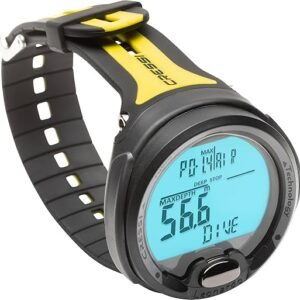
| Cressi Leonardo | Wrist | $200-250 | Regular divers on a budget |
| Suunto D5 | Watch | $350-400 | Regular divers – watch style |
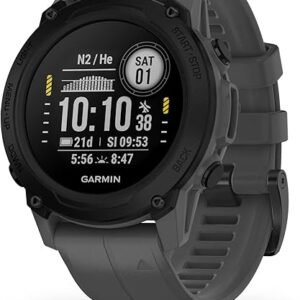
| Garmin Descent G1 | Watch | $450-550 | Regular divers – watch style |
| Shearwater Peregrine | Wrist | $550-650 | Eperienced divers |
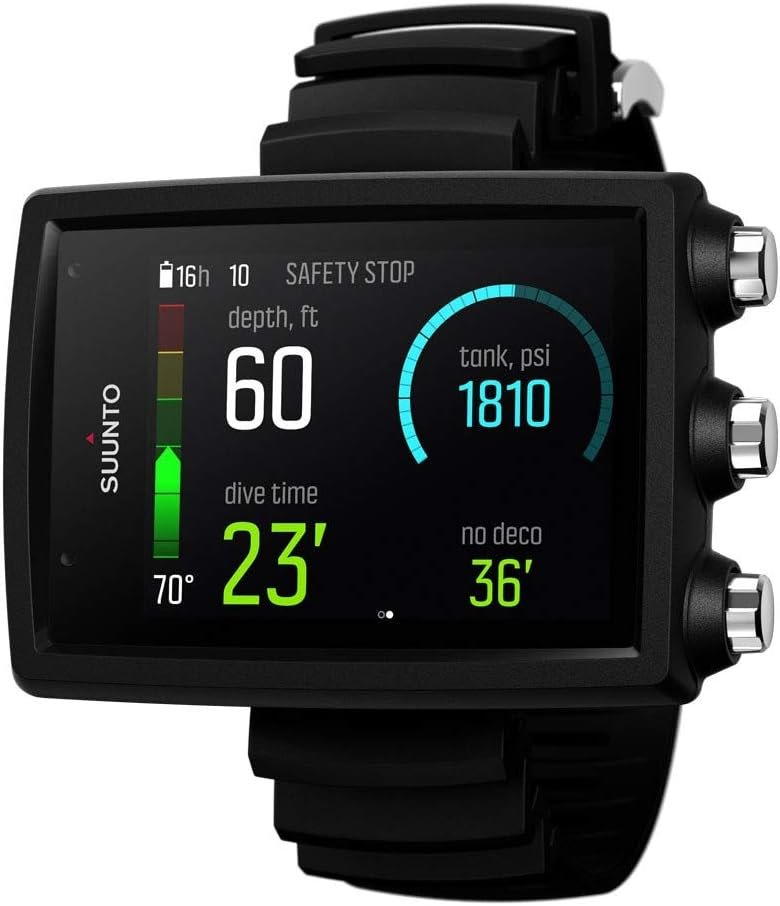
| Suunto EON Core | Wrist | $600-700 | Eperienced divers |
| Garmin Descent Mk2/Mk3 | Watch | $700-1200 | Many features and daily wear |
| Suunto Ocean | Watch | $1000-1200+ | Many features and daily wear |
| Garmin X50i | Wrist | $1400-1500 | Many features and large display |
| Shearwater Perdix 2 Ti | Wrist | $1200-1600 | Many features and large display |
Why You Need a Dive Computer
Decompression sickness is a serious risk every time you dive. Your body absorbs nitrogen under pressure, if you dive too long, that nitrogen can form bubbles in your tissues when reaching the surface.
Don’t underestimate the risk. Thousands of divers every year get decompression sicknes, or as some diver call it “the bends”. Although serious cases in recreational diving are extremely rare, decompression sickness can cause paralyses or even death.
A dive computer tracks your depth and time continuously, calculating how much nitrogen you’ve absorbed and how long you can safely stay at any depth. It’s like having a personal safety monitor on your wrist.
Which Dive Computer Should You Buy?
This depends on your budget and how you dive. Here are some scenarios and some dive computers that I see divers use on a regular basis. Their popularity reflects proven reliability and real-world performance that divers trust:
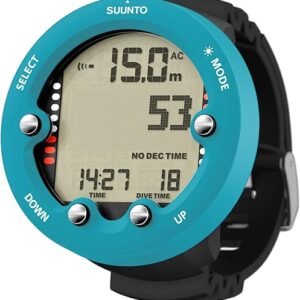
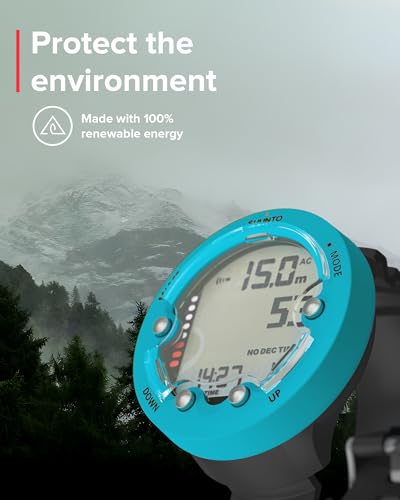
New recreational diver on a budget($200-300): Get a basic wrist computer like the Suunto Zoop Novo ($250-300) or Cressi Leonardo ($200-250). These do everything you need. Easy to read, reliable, user-replaceable batteries. They’ll last you years. The Zoop is the workhorse for many dive centers. Simple interface, big numbers, does the job.
-
 ×
×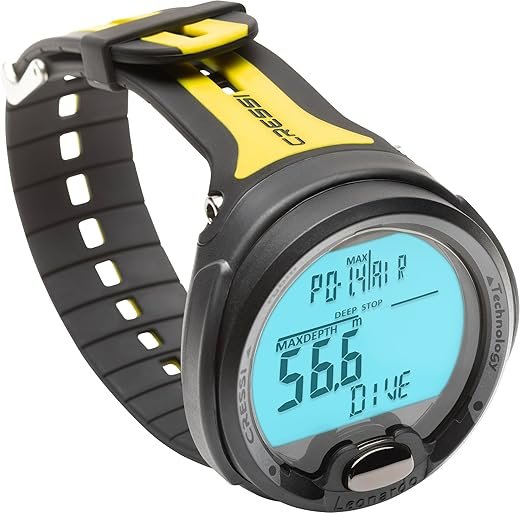
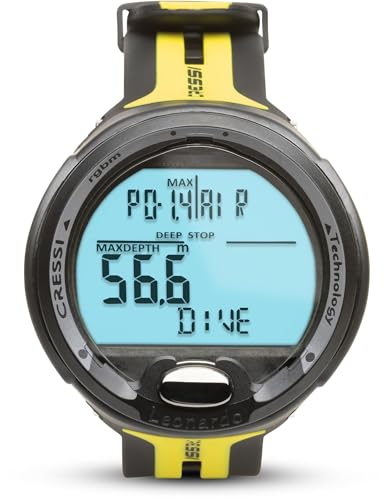
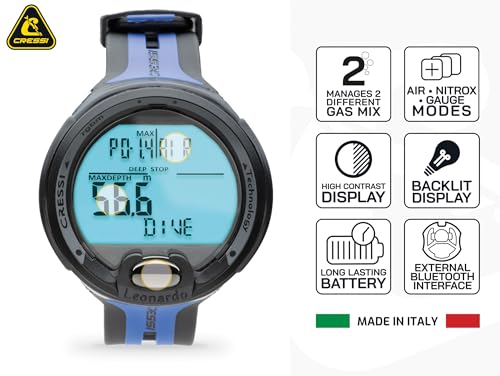
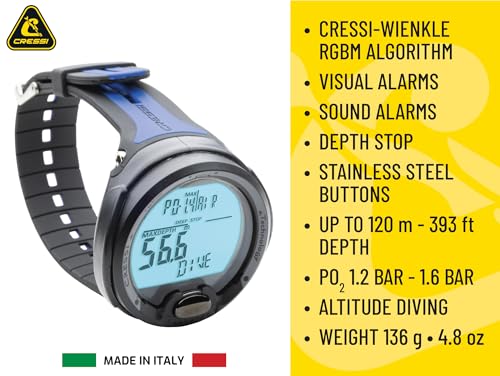
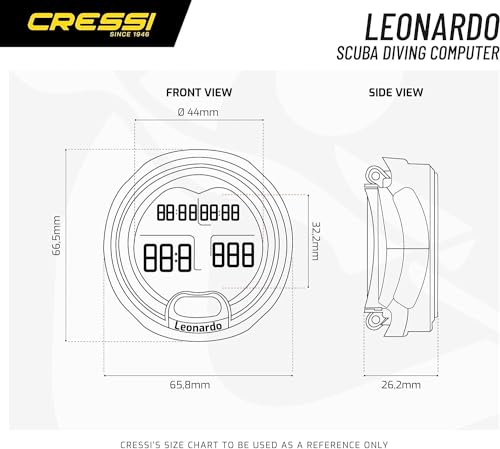
Cressi Leonardo Wrist Computer
$249.95
Open full product pageBudget-friendly entry-level computer with nitrox capability and deep stop function.
00 -
 ×
×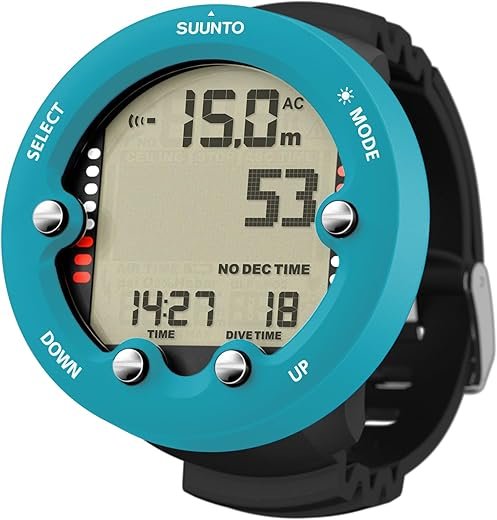
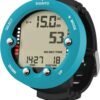
Suunto Zoop Novo Wrist Computer
Original price was: $299.00.$279.00Current price is: $279.00.
Open full product pageReliable entry-level dive computer with large display and proven RGBM algorithm.
10
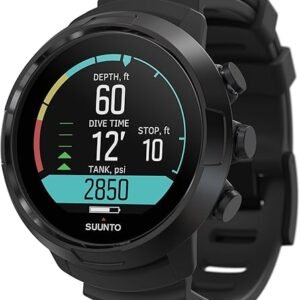
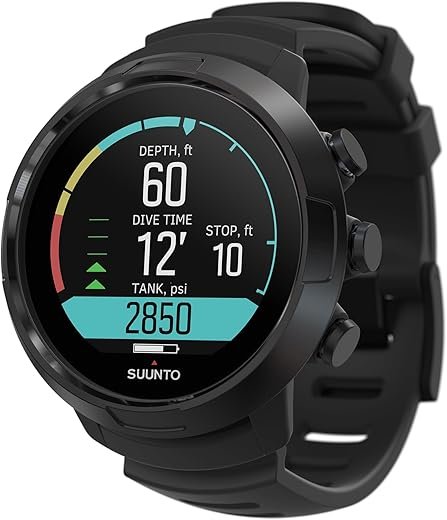
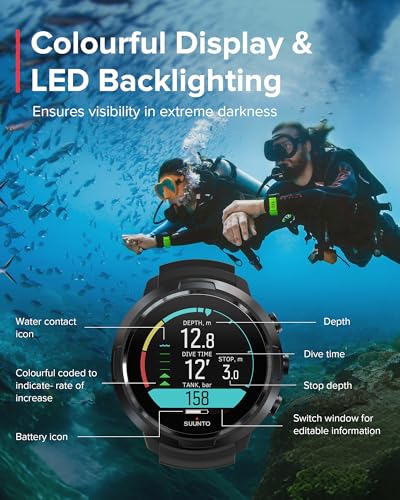
Regular diver who wants something nicer ($400-600): Look at the Suunto D5 ($450-500). Color screen, excellent build quality, great algorithm, intuitive interface. It’s the computer I recommend most often to students who are serious about diving. The screen is gorgeous and easy to read. If you want to add air integration later, you can. The Garmin Descent G1 ($450-550) is another solid option in this range.
-
 ×
×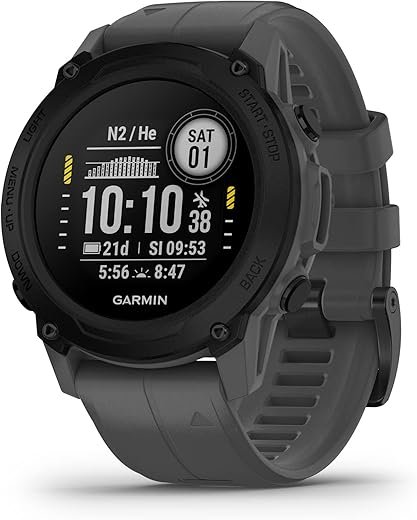

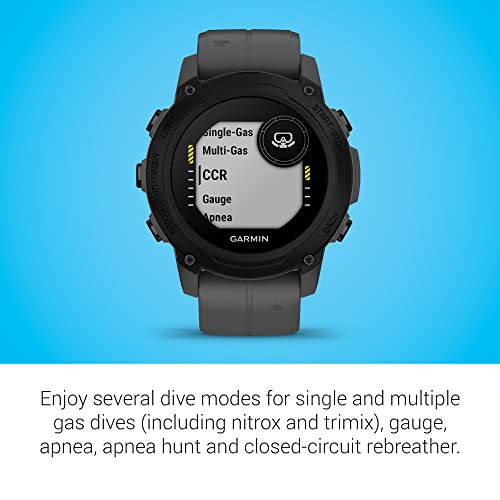

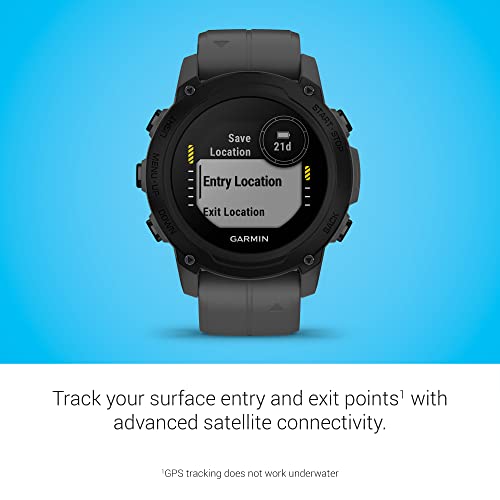
Garmin Descent G1 Wrist Computer
$549.99
Open full product pageAffordable dive computer with GPS and comprehensive smartwatch features for active divers
00 -
 ×
×
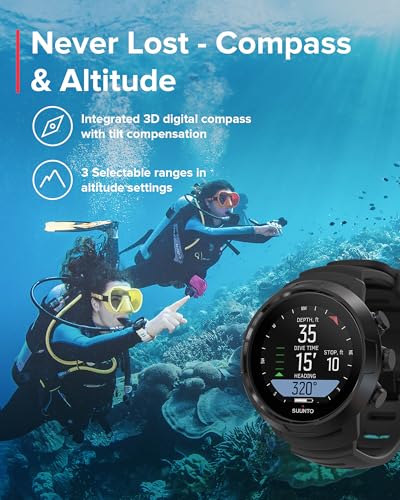
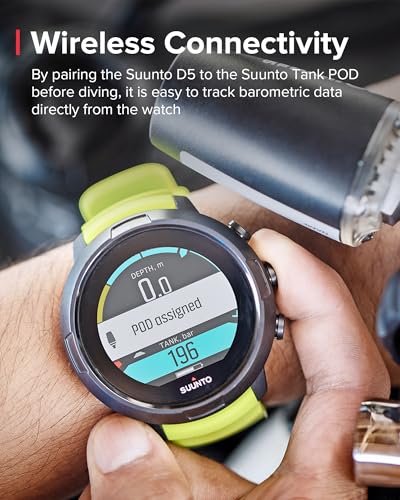
Suunto D5 Wrist Computer
$499.00
Open full product pagePremium watch-style dive computer with color display for daily wear and diving.
00
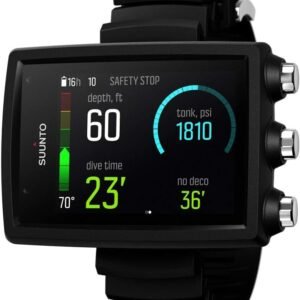
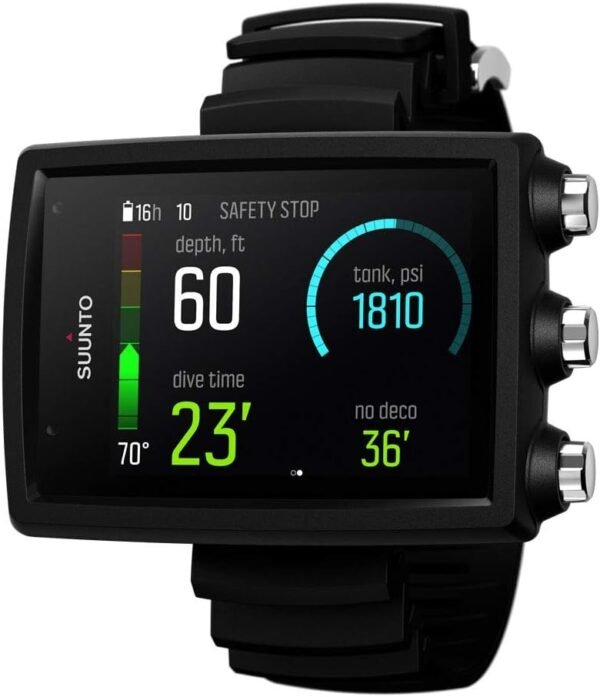
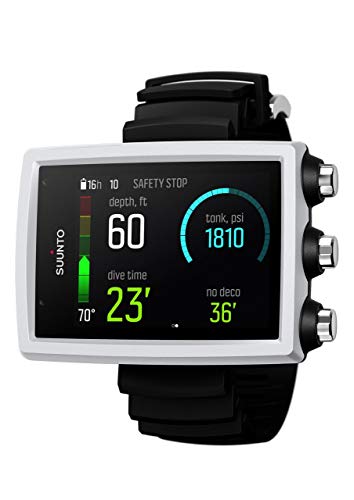
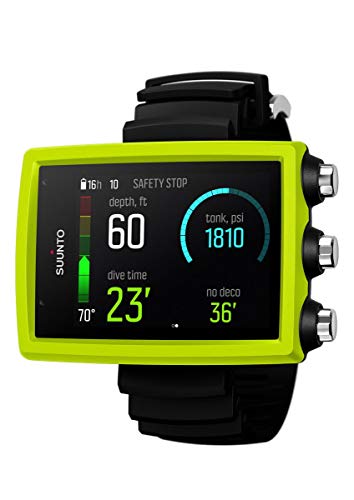
Experienced diver who want a big screen and basic features ($600-800): The Shearwater Peregrine ($550-650) has a large colorful screen and The Suunto EON Core ($600-700) is another solid choice in this range. Large color screen, air integration capable, and Suunto’s proven RGBM algorithm. Both computers will grow with you as your diving skills develop.
-
 ×
×
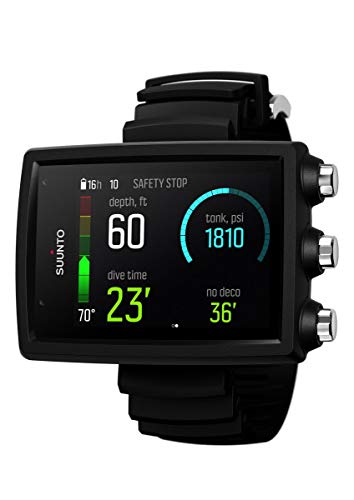
Suunto EON Core Wrist Computer
$439.94
Open full product pageMid-range technical dive computer with air integration and customizable algorithm options
00 -
 ×
×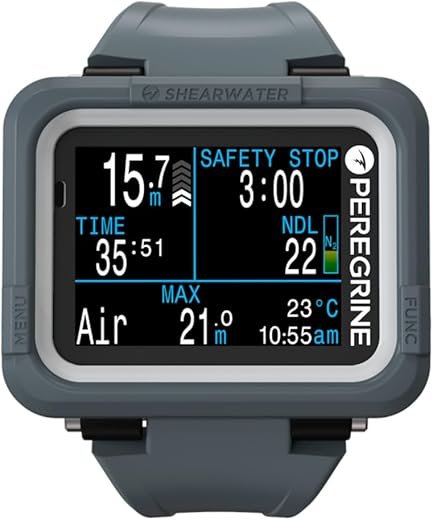
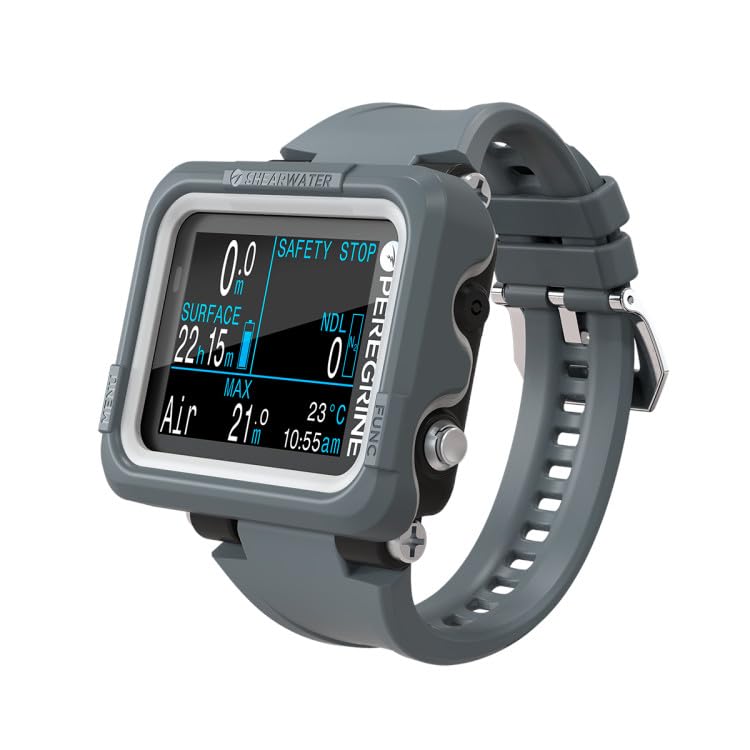
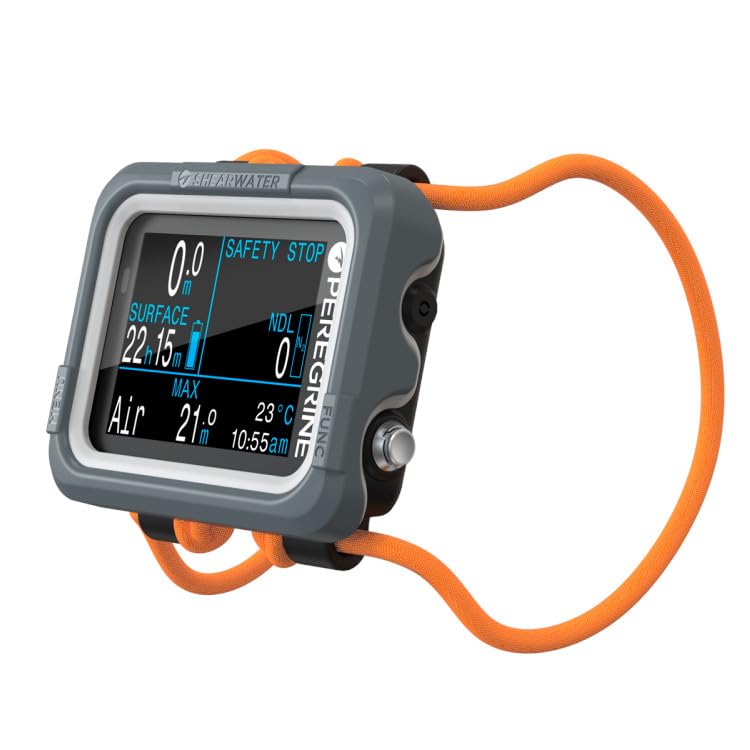
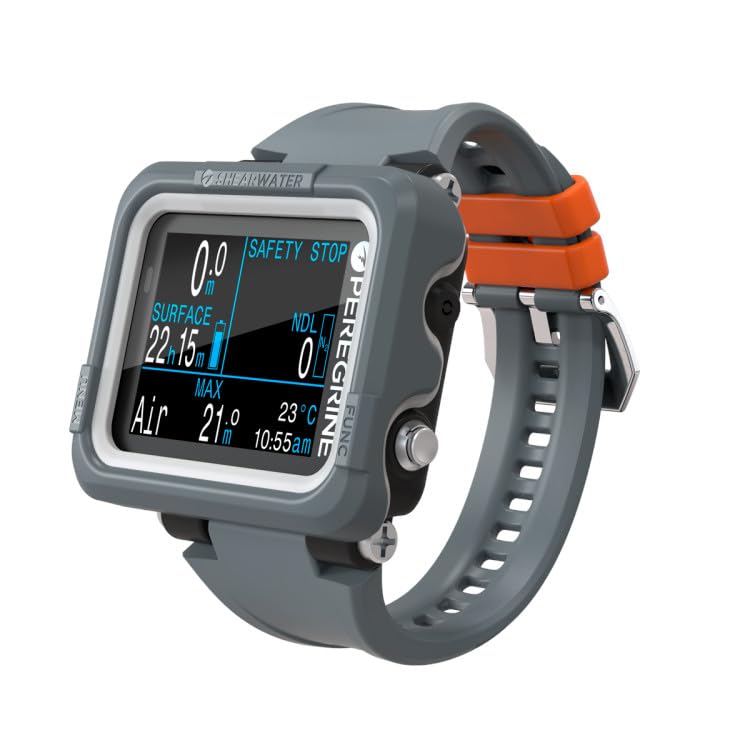
Shearwater Peregrine Wrist Computer
$575.95
Open full product pageBest-in-class recreational dive computer with brilliant color screen and legendary Shearwater simplicity
00
Diver who wants a watch with all the features($800-1200): Garmin Descent Mk2 or Mk3 ($700-1200) or Suunto Ocean ($1000-1200) These are full smartwatches that happen to be excellent dive computers. Fitness tracking, notifications, navigation, everything. If you’ll actually wear it daily, the cost makes more sense.
-
 ×
×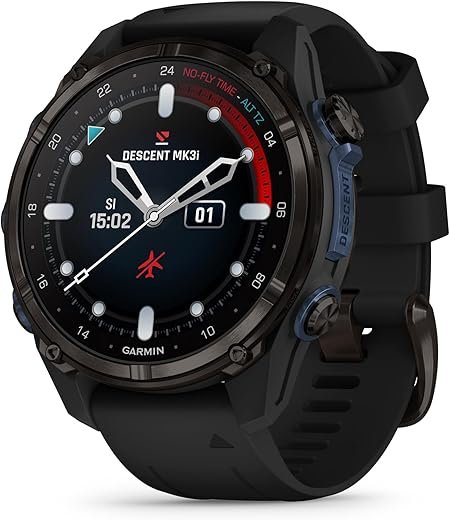
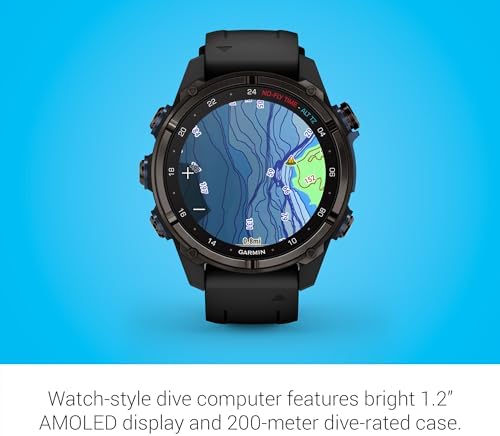

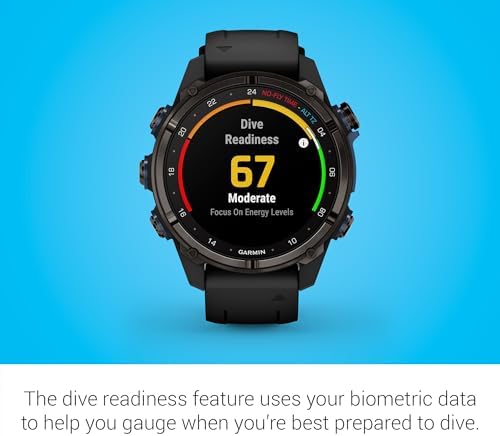

Garmin Descent Mk3i 43mm
$1,399.99
Open full product pagePremium dive computer with brilliant AMOLED screen and comprehensive smartwatch features for serious divers
00 -
 ×
×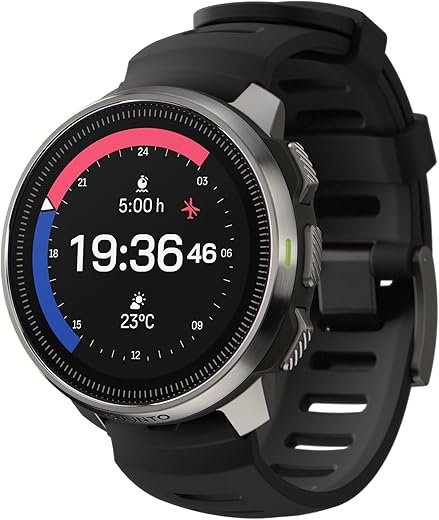
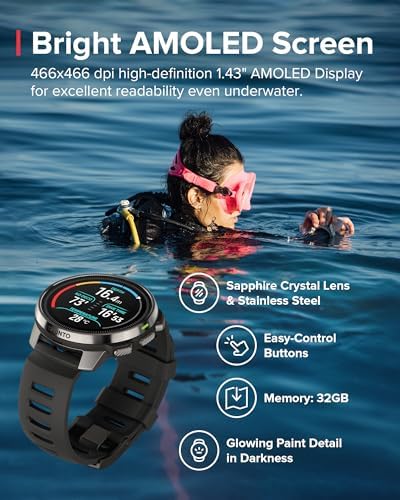

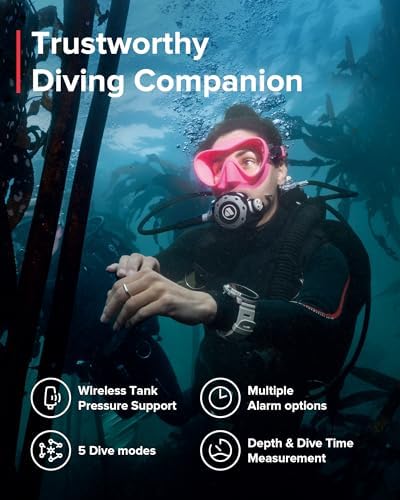

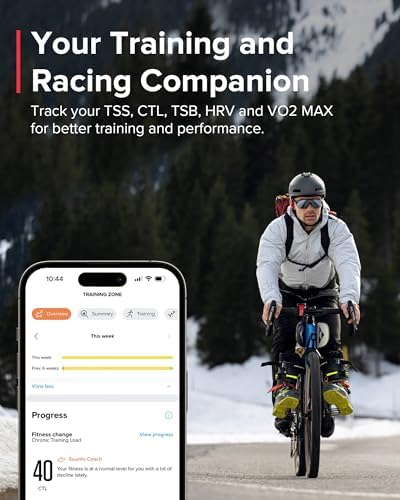
Suunto Ocean Wrist Computer
$799.00
Open full product pagePremium dive computer and fitness watch with exceptional AMOLED display and wireless air integration.
00
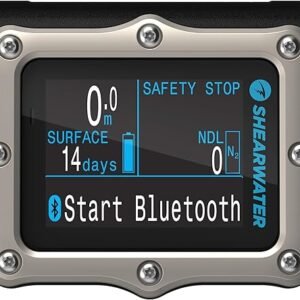
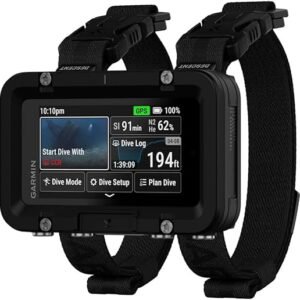
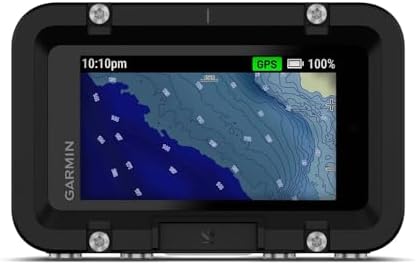
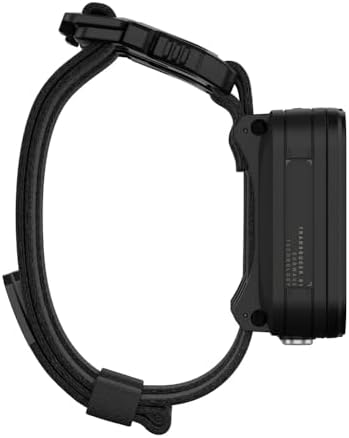
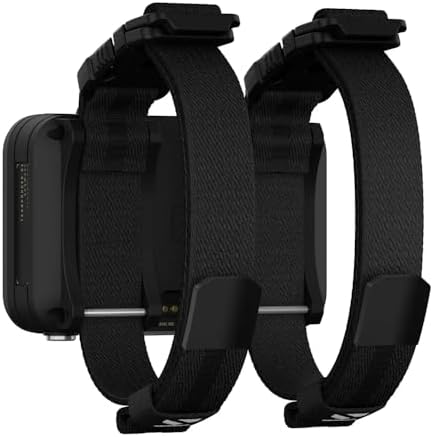
Divers who want a big screen and many (including tech-diving) features ($1200-1500):The Garmin Descent X50ia has a large screen and many features including GPS and tech-diving features. Another solid and popular option in this range is the Shearwater Perdix 2 Ti.
-
 ×
×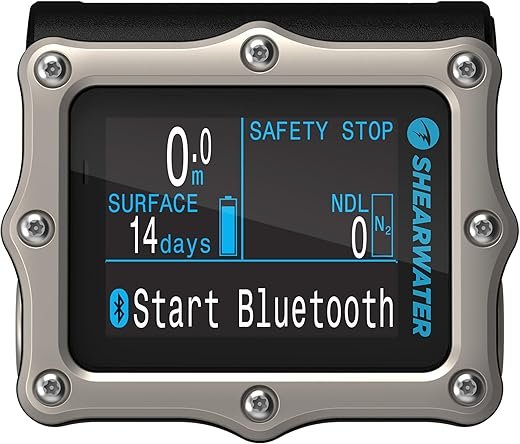
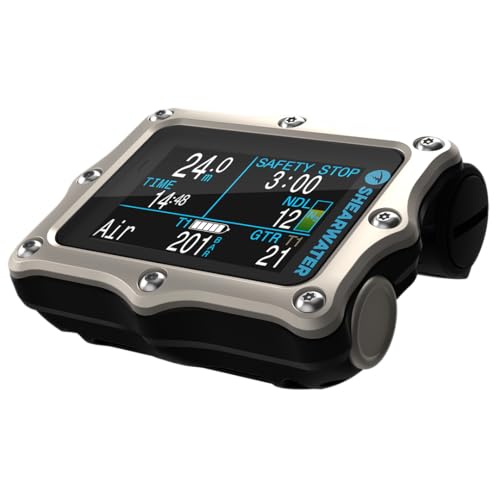
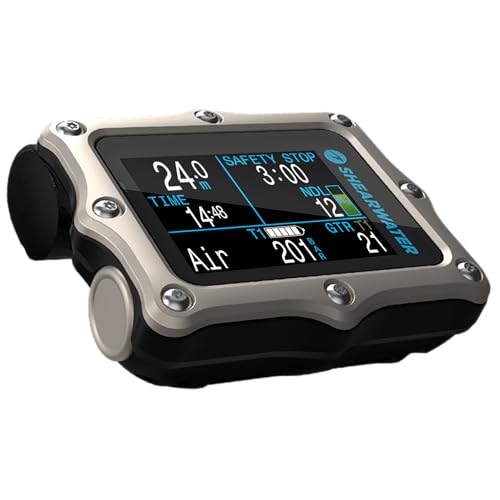
Shearwater Perdix 2 Ti
$1,165.00
Open full product pageReliable technical dive computer with user-replaceable battery and proven 260m depth rating
00 -
 ×
×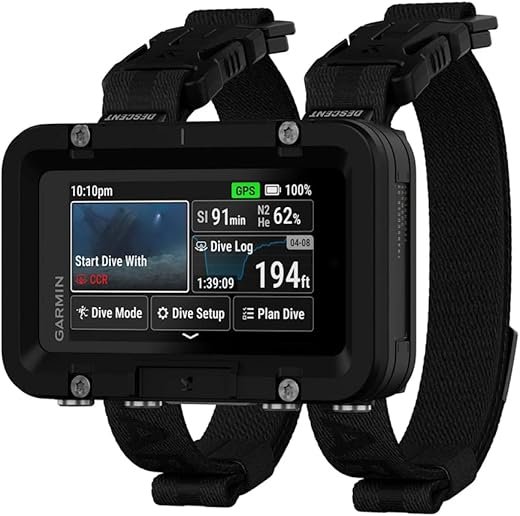

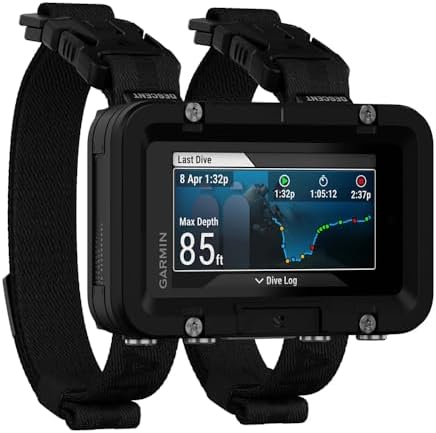

Garmin Descent X50i
$1,499.99
Open full product pagePremium large-format dive computer with SubWave team communication and integrated GPS
00
What Information Does a Dive Computer Display
Every dive computer shows you the basics. Some show you a lot more. Here’s what you actually need to know:
Basic Functions
No Decompression Limit (NDL)
No Decompression Limit (NDL)This tells you how many minutes you can stay at your current depth. It updates constantly as you move up or down. When going deeper you will see your NDL become shorter. Go shallower and your NDL will become longer. This is the most important number on your screen.
Ascent Rate
Ascending too fast increases the risk on decompression sickness and lung overexpansion injuries, among other things. As you’ve learned in your diving course: Always ascend slowly. Computers beep at you if you’re coming up too fast. The beeping is annoying but it’s there for a reason.
Depth
Current depth and maximum depth for the dive. Simple but essential. You need to know how deep you are for planning dive time and air consumption.
Dive Time
How long you’ve been underwater on this dive. Most computers also track your surface interval between dives, which matters for your nitrogen loading on the next dive.
Logbook
Computers store your dive history. Some store 20 dives, some store hundreds. Some give you detailed profiles that you can download to your phone or PC.
No Flying Time
After diving, you need to wait before flying. The computer tells you when it’s safe. Usually, 12-24 hours depending on your dive profile. Ignore this and you risk serious decompression issues at altitude.
Safety Stop
Safety Stop Countdown: Most recreational dives call for a 3-minute safety stop at 5 meters. Your computer will count this down for you. Some computers make this mandatory and will lock you out if you skip it.
Advanced Functions
Nitrox
Most modern computers handle enriched air (nitrox). This lets you dive longer by using air with more oxygen and less nitrogen. If you’re nitrox certified, get a computer that supports it. The computer adjusts your NDL based on the oxygen percentage you’re breathing. It also tracks your oxygen exposure.
Multi-Gas
Technical divers who switch between different gas mixes underwater need this. For recreational diving, you don’t. These computers are more expensive and more complicated. Skip this unless you’re doing tech diving.
Compass
Some computers have a built-in digital compass. It’s convenient but not essential. I still carry a separate compass because I need to teach navigation to students. If you want everything in one device, a computer with a compass is great.
GPS
A few high-end computers track your surface position and can mark dive sites. Nice for logging but not necessary. Your phone probably does this better anyway.
Tank Pressure
Some computers connect to a transmitter on your regulator first stage, and show your air pressure on the screen. This is called air integration. It’s convenient to have all information in one place. The downside is the transmitter costs extra ($300-400) and runs on batteries that will eventually die underwater. You also need to ‘pair’ the transmitter with your computer which sometimes causes difficulties. For that reason most divers still have a backup pressure gauge.
Beyond just showing tank pressure, some computers calculate your remaining dive time based on your current air consumption and depth. This is genuinely useful. However, you manually need to set the tank size that you are diving with. As a bonus, the computer can calculate your air consumption rate.
Connectivity
Many computers now sync with apps on your phone via Bluetooth, or via USB with your PC. You can review your dives, share them, and update firmware. For many divers it is part of the fun to log their dives after every dive trip. It’s not essential but it’s convenient.
What Is the Best Type of Dive Computer?
There are different styles of dive computers. The best one depends on your diving and how you want to wear it. Here’s what’s actually out there:
Console-Mounted Dive Computers
These attach to your regulator console along with your pressure gauge and/or compass. They’re bulky but everything is in one place. You look down at your console to check depth, time, and air.
Pros: Everything in one spot. Less to manage, less time to suit up. Your computer is protected in the console, and you won’t lose it or leave it on the boat.
Cons: You can’t see your computer unless you hold up the console. This gets annoying on long dives. Console computers are harder to use for pre-dive planning because they’re attached to your gear. They’re more bulky which counts when you are traveling.
Note: A console mounted computer doesn’t necessarily mean it is air-integrated.
Wrist Dive Computers
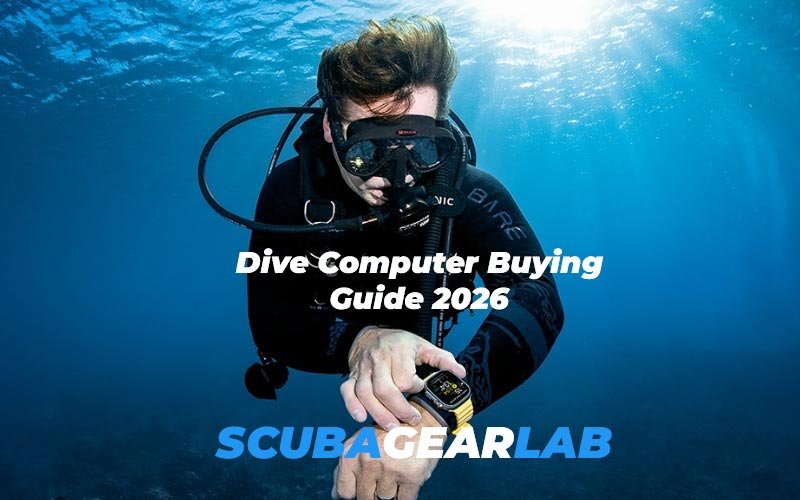
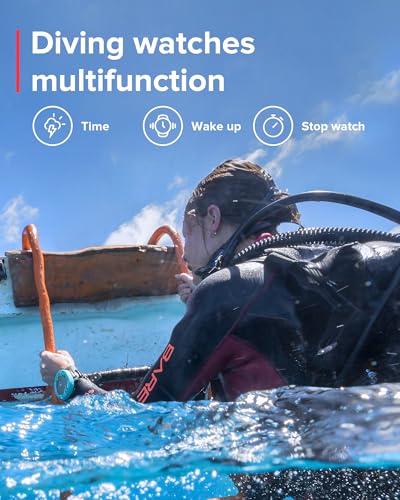
These are like bulky digital watches. They strap to your wrist and you can see your depth and NDL with a quick glance. This is what most recreational divers use now.
Pros: Always visible. Easy to check during the dive. You can use them for surface intervals and planning between dives.
Cons: They’re chunkier than regular watches. Some have large displays that catch on things. You need to protect them when you’re not diving. The ladies are not impressed when you wear it in the bar.
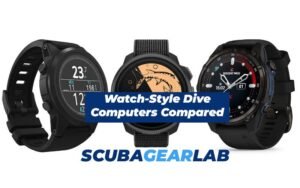
Watch-Style Dive Computers
These look like regular watches or smartwatches but function as dive computers. Some are full smartwatches with fitness tracking and notifications. Others are dedicated dive computers that just happen to look nice.
Pros: You can wear them every day. They don’t look like dive gear. Watch-style computers often have better materials and build quality. Some have gorgeous displays. If you want one device that works for diving and daily life, this is it.
Cons: Smaller screens can be harder to read underwater, especially if your vision isn’t perfect. More expensive than basic wrist computers. More features means more complexity. Battery life can be an issue if you’re using all the smartwatch features.
What Are Important Features to Consider When Buying a Dive Computer?
All dive computers have the basic functions I mentioned above. Some have advanced features that are ‘nice to have’. When you’re comparing models, there is a lot more to look out for. Here are the most important things that you should consider:
Battery Type
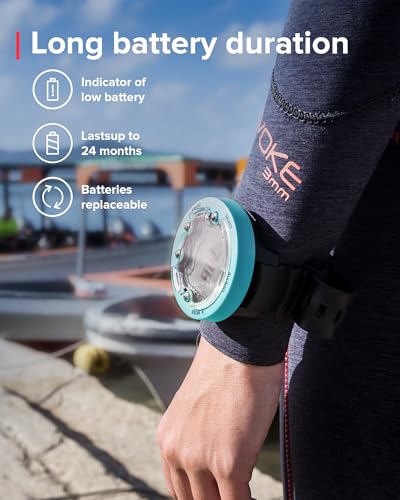
Replaceable batteries: Most basic computers use a standard watch battery (CR2032 or similar). You can replace it yourself or take it to a dive shop. The battery lasts 1-2 years depending on use. This is simple and cheap.
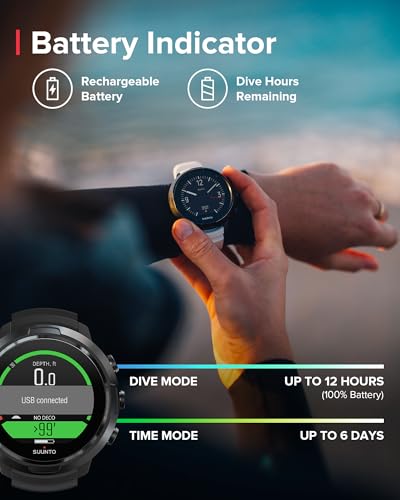
Rechargeable batteries: Watch-style and high-end computers often have rechargeable batteries. You charge them like a phone. Convenient but also one more thing to remember.
Battery Life
Basic computers with simple displays can run for 2-3 years on a replaceable battery. Even if you have to replace it every year, it’s not the end of the world.
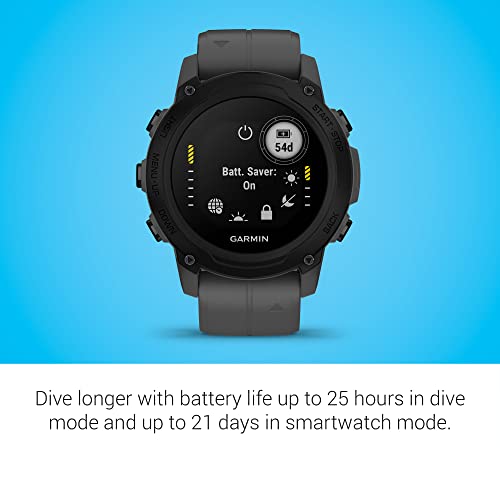
Battery life for rechargeable computers varies a lot. Some will last through for several weeks. Some basically need charging every day
If you dive once a month, battery life isn’t a big deal. If you’re doing a week-long dive trip with 3-4 dives per day, you want something that lasts. I’ve seen divers on liveaboards scrambling to charge their computers between dives. Not fun.
Screen Size and Display Type
Bigger screens are easier to read underwater. But bigger also means bulkier.
LCD displays: These are the standard black and green screens. High contrast, easy to read in bright sunlight, low power consumption. Most basic computers use LCD. They work great.
Color TFT displays: These are like phone screens. They show more information in color. Easier to distinguish different data at a glance. They look nice but use more battery and can be harder to read in very bright conditions.
OLED displays: These have deep blacks and vibrant colors. Beautiful underwater. They use less power than TFT but more than LCD. More expensive. Some high-end computers use OLED.
Honestly, LCD is fine for most diving. I’ve never felt limited by my black and green screen. If you’re buying a watch-style computer anyway, color screens make sense.
Backlight
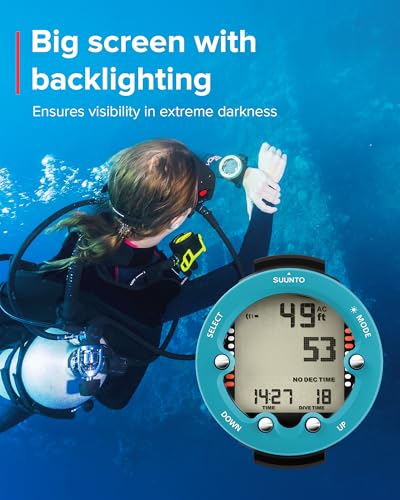
Essential for night diving or low visibility. All modern computers have backlights. Some are brighter than others. Make sure you can activate it easily with gloves on. Some computers have fluorescent screens. You shine your torch on it and it will glow for a few minutes. Some computers have auto-backlights that turn on when you tilt your wrist. Nice feature but drains the battery faster.
Algorithm
The algorithm is the math the computer uses to calculate your nitrogen loading and safe dive times. Most computers use variations of the famous Bühlmann ZHL-16 algorithm. This is a proven, tested algorithm that’s been used for decades.
(For those among you who are studying for the Instructor Exam: Bühlmann uses 16 theoretical tissue compartments as opposed to the Recreational Dive Tables that use 14 compartments) 😊
Although all computers (for recreational diving) basically use the same algorithm, there are some differences. Some computers let you adjust conservatism. This makes the computer more cautious, giving you shorter NDLs but a bigger safety margin. If you’re older, overweight, or have health concerns, conservative settings are smart. Some computers also have altitude adjustment for mountain lake diving.
Don’t overthink this. The standard algorithms are all safe if you follow them. More important is choosing a computer you can read easily and understand.
Deep Stop
Some computers suggest or require deep stops on deeper dives. This means pausing for a minute or two at half your maximum depth before you can ascend to your safety stop. The science on deep stops is mixed. Some studies show benefits, others don’t.
For recreational diving, this isn’t a major factor. For technical diving, you’ll want a computer that handles deep stops properly. Don’t buy a computer just because it has deep stop capability.
Air Integration
As I mentioned this earlier, air-integrated computers connect wirelessly to a transmitter on your regulator first stage. The computer shows your tank pressure and calculates remaining dive time based on your air consumption.
This is genuinely useful. But also has some downsides. Most divers still carry a backup pressure gauge.
The catch is that you also need to own a regulator. Or nicely ask your Divemaster to connect your transmitter to your rental setup.
Durability
Dive computers take a beating. They get knocked around on boats, dropped on decks, exposed to salt water and sun, no matter how careful you are. Build quality matters.
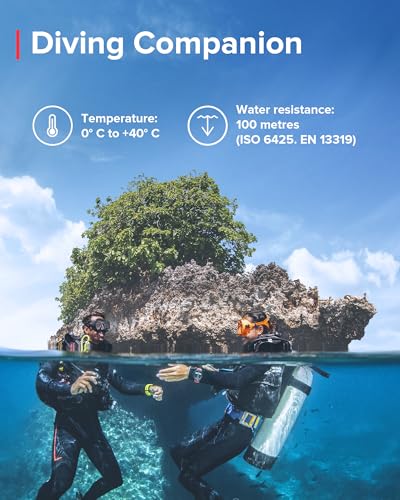
Depth rating does not matter. Most recreational computers are rated to at least 40 meters. Some go to 100 meters. Unless you’re doing technical diving, 40 meters is plenty.
Materials do matter. Plastic is fine but scratches easily. Metal or reinforced composites hold up better. Screen protectors are a good idea regardless.
Dealer Network and Service
This is something people forget about. Dive computers need occasional service. Batteries die, seals wear out, firmware needs updates.
Big brands like Suunto, Shearwater, Garmin, and Oceanic have good support networks. You can get service almost anywhere, also during your holiday. Smaller brands might be harder. Check their authorized dealer network.
Also check the warranty. Most computers have 2-year warranties. Some companies (Suunto in my experience) are great about honoring them, others make you jump through hoops.
Read the Manual. Seriously.
I cannot stress this enough: read your computer’s manual cover to cover before you dive with it.
Your computer’s manual explains what every symbol, alarm, and display mode means. This isn’t optional reading—it’s safety-critical information.
The thing is, on your regular dives the computer won’t show any alarms. But the few times it does, you need to understand what it’s telling you.
I’ve had way too many divers tell me their computer was “broken” or locked up. What actually happened? They overstayed their NDL—No Decompression Limit. When you do this, the computer shows a MANDATORY decompression stop. You have to wait at the depth it shows, for the time it shows. No choice.
These divers heard all the alarms going off. They saw their computer blinking. They thought, “That’s not good, let’s go up.”
Wrong move. As a result, their computer locked them out, and they were not able to dive for 24 hours (and we did not allow them to).
Remember, the main reason to wear a dive computer is to avoid decompression sickness. Your health depends on understanding this device. Don’t skip the manual.
Frequently Asked Questions
Final Thoughts
After all these years teaching diving, here’s what I tell students: buy a computer you can read easily and understand quickly. The best computer is the one you trust and can use without thinking about it.
Start with a basic wrist computer if you’re new. The Suunto Zoop or Cressi Leonardo will serve you well for years. If you dive regularly and want something nicer, the Shearwater Peregrine is hard to beat. If you want a watch you can wear every day, look at Garmin or Suunto D5.
If you want all the features in a wearable watch, you’ll be happy with a Garmin Descent or Suunto Ocean.
Don’t overthink the features. NDL, depth, time, and safety stop are what matter most. Everything else is nice to have but not essential.
And remember: your dive computer is only as good as your training. Take the time to learn how it works. Read the manual. Practice using it in shallow water. Know how to read the display quickly and what the alarms mean.
Good diving!