
0
0
Cressi Leonardo Wrist Computer
Budget-friendly entry-level computer with nitrox capability and deep stop function.
Pros
Deep stop function, Lowest price point for nitrox-capable dive computer
Cons
Limited service network compared to Suunto or Mares, PC connectivity requires optional interface, Single-button interface
Compare Prices

Cressi Leonardo 2.0 Underwater Single-Button Scuba Dive Computer, 3 Modes: Air, Nitrox, Gage, User-Friendly Menu - Designed and Made in Italy
Amazon.com
* We earn a small commission on your purchase without increasing the price.
Cressi Leonardo Wrist Computer Review – A budget-friendly entry-level computer
I’m a huge fan of Cressi products and I regularly see customers and IDC students diving with Cressi computers. Cressi has quite a line up of computers ranging in price from about $250 to $350. I was able to borrow a Cressi Leonardo from one of my students and take it for a few dives.
What You’re Getting
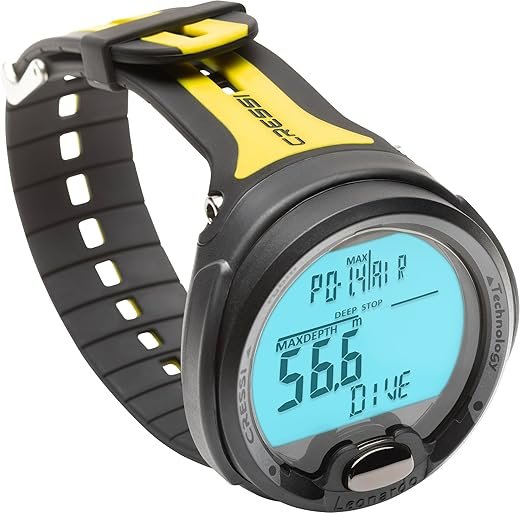
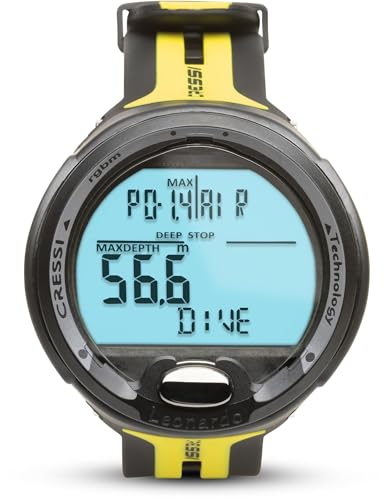
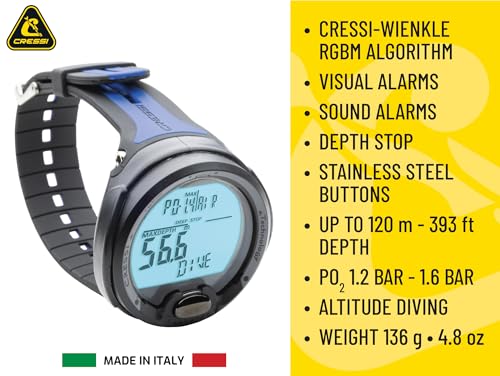
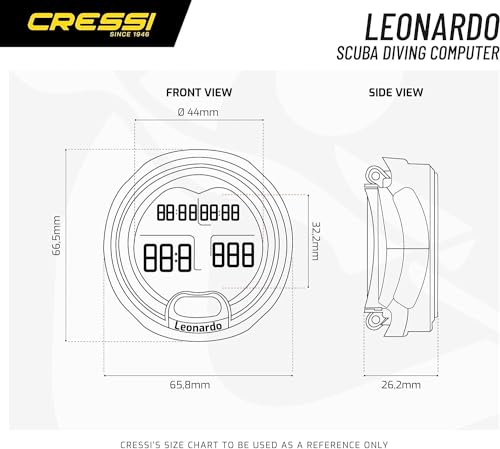
The Leonardo is a wrist-mounted dive computer with a straightforward design. It has a thermoplastic technopolymer case that feels solid. The display is about 3.8 cm in diameter with large digits. The whole unit measures 6.7 cm across and weighs 135 grams. There’s a single button on the face for all functions. The screen uses a mineral glass lens.
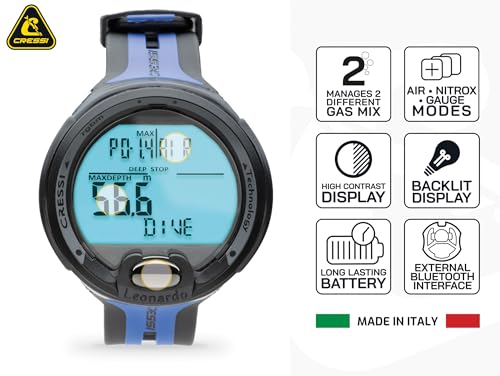
Price sits around $180-220 USD, making it one of the most affordable computers with nitrox capability. You get three dive modes: Air, Nitrox, and Gauge. Maximum depth rating is 120 meters. The computer uses Cressi’s RGBM algorithm. This is an entry-level recreational computer for beginners and casual divers. No air integration, no digital compass, no wireless connectivity.
Build quality feels good for the price point. The computer feels solid in hand, not cheap or flimsy. The button is firm but responsive. The strap is basic but does the job.
Cressi also offers the Giotto and Newton models, which add features like multiple gas mixes and PC downloadable logbooks. If you need those extras, expect to pay $100-150 more.
Real-World Use
I borrowed this computer for about 15 dives over a two-week period in Thailand, which gave me a decent feel for how it performs. The single-button interface is the first thing everyone mentions. It’s not intuitive. You have to press and hold for different durations to access different functions. I needed the manual open next to me for the first few dives to remember the sequences.
Using the Menu
The one single-button interface is certainly a disadvantage in my opinion. You need to press and hold the button until the menu appears. Then use short presses to scroll, and press and hold to confirm your choice. If you ‘take a wrong turn’, you just have to wait until the Leonardo automatically exits the menu, and try again.
Display
The display is surprisingly readable. The digits are large and well-spaced. Even in low visibility conditions, I had no trouble seeing my depth and NDL. The screen doesn’t have a backlight, but it does have a phosphorescent coating. Hit it with your torch, and it glows for several minutes.
Algorithm
The algorithm is conservative, similar to Suunto’s approach. Compared to my buddies who were using Mares and Oceanic computers, the Leonardo was calling my dives a bit earlier. Not dramatically so — maybe 5-10 minutes difference on the third or fourth dive of the day. For single-dive days or less intensive schedules, you won’t notice much difference.
One feature I appreciated was the deep stop function. The Leonardo prompts you with recommended deep stops on dives below 20 meters. It’s optional — you can ignore it — but it’s a nice safety feature to have on an entry-level computer.
You can also set the Algorithm more /less conservative in three levels.
Battery
The Cressi Leonardo uses a standard CR2430 battery that is replaceable. One thing several dive instructors mention is that the battery replacement requires opening the case. It’s recommended to have a dive shop do it to ensure the seal is properly maintained. There are simply not that many Cressi shops worldwide, compared to Suunto or Mares. So, you may have a problem if the battery runs out during your holiday.
Nitrox Mode
I used it in nitrox mode for several dives. Setting your oxygen percentage is straightforward once you learn the button sequence. The computer handles mixes from 21% to 50%, which covers typical recreational nitrox diving. It tracks CNS oxygen exposure and gives both visual and audible warnings when approaching limits. The max PO2 is also adjustable from 1.2 to 1.6 bar, although I recommend leaving it at 1.4 bar.
Memory and Logbook
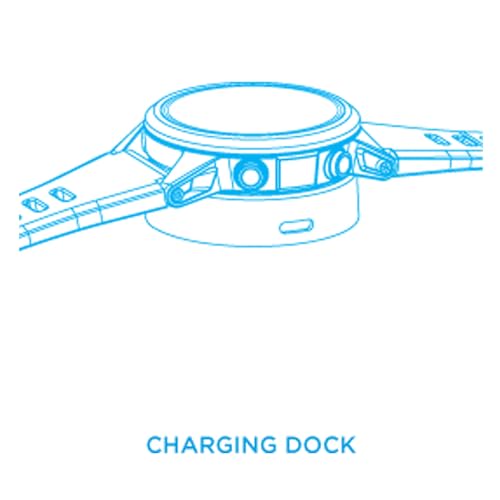
The logbook holds 60 dives with basic information: max depth, dive time, and minimum temperature. You can scroll through past dives on the screen. The computer samples every 20 seconds during the dive. Out of the box, there’s no PC download capability on the Leonardo, so if you want digital logbook management, you’ll need to invest in the optional interface kit that uses a USB cable for the PC connection and an infrared (IR) cradle/docking station to communicate with the dive computer.
How It Compares
The Leonardo’s main competitors are the Suunto Zoop Novo and Mares Puck Pro. The Zoop Novo costs about $70-100 more and has four buttons instead of one, making it much easier to navigate menus. The Zoop also has a larger display and significantly more logbook memory. Both use conservative RGBM algorithms, though they’re implemented slightly differently.
The Mares Puck Pro sits in the same price range as the Leonardo and also uses a single button. The Puck Pro’s algorithm is slightly less conservative, giving you a bit more bottom time on repetitive dives. However, on the Puck you can set the gradient factor to be more conservative. Build quality seems comparable between the two. The choice between them comes down to brand preference and whether you want the deep stop feature that the Cressi offers.
If you want PC connectivity and more advanced features, Cressi’s Giotto model adds more capabilities for about $100 more. But if you’re looking for basic functionality at the lowest possible price, the Leonardo delivers.
Price-to-performance, the Leonardo is one of the best budget options available. You’re getting a reliable nitrox computer for under $220, which is hard to beat.
Our Professional Opinion
The Leonardo has one main strength: price. For divers on a tight budget who need nitrox capability, this computer gets the job done without breaking the bank. The deep stop function is a nice touch that you don’t usually see at this price point.
The single-button interface is the biggest drawback. It’s functional once you learn it, but it’s never going to feel intuitive. If you’re someone who gets frustrated with complex button sequences, spend the extra money on a computer with multiple buttons. The lack of PC connectivity also limits its appeal for divers who want detailed digital logbooks.
This computer works best for beginning divers doing their first 50 dives or casual vacation divers who only dive a few times a year. It’s also a solid backup computer option. Several divemasters and instructors I know keep a Leonardo as their backup because it’s cheap enough that they’re not worried about losing it, but reliable enough to trust in an emergency.
Final Recommendation
Buy the Leonardo if you’re a beginning diver on a budget who wants basic nitrox capability. It’s perfect for someone doing 5-20 dives per year on vacation trips. The low price makes it especially good for divers who aren’t sure how committed they’ll be to the sport long-term and don’t want to invest heavily upfront.
Skip it if you want an easy-to-use interface with multiple buttons, or if you need PC connectivity for digital logbook management. Also, skip it if you’re planning on doing intensive liveaboard trips with multiple dives per day — the conservative algorithm will cut into your bottom time.
For absolute budget-conscious recreational divers, the Leonardo is one of the cheapest ways to get into nitrox diving with a computer you can trust. It won’t wow you with features or ease of use, but it’ll keep you safe and give you the information you need.
| General Specifications | ||||||||||||||||||||||||||
|---|---|---|---|---|---|---|---|---|---|---|---|---|---|---|---|---|---|---|---|---|---|---|---|---|---|---|
|
||||||||||||||||||||||||||
| Computer Specifications | ||||||||||||||||||||||||||
|
||||||||||||||||||||||||||
| Pros and Cons | ||||||||||||||||||||||||||
|
||||||||||||||||||||||||||
Related Products
-
 ×
×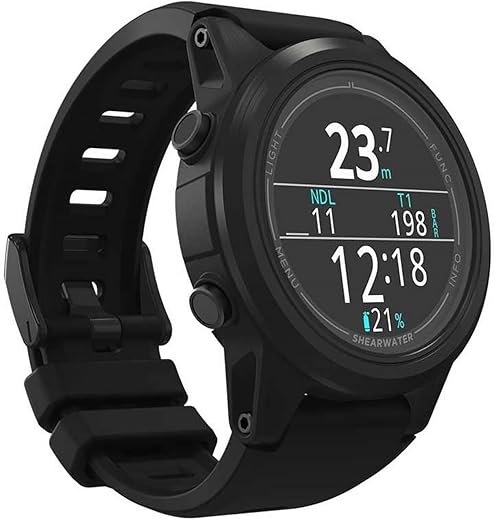
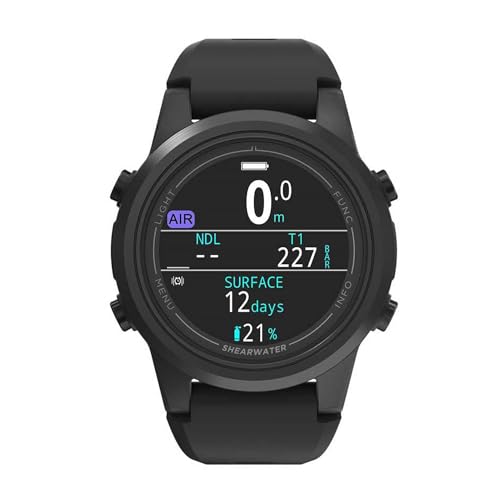
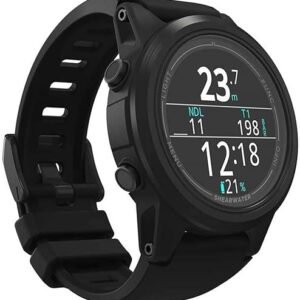
Shearwater Tern TX
$805.00
Open full product pageShearwater reliability meets watch-style convenience with brilliant AMOLED display and wireless air integration.
00 -
 ×
×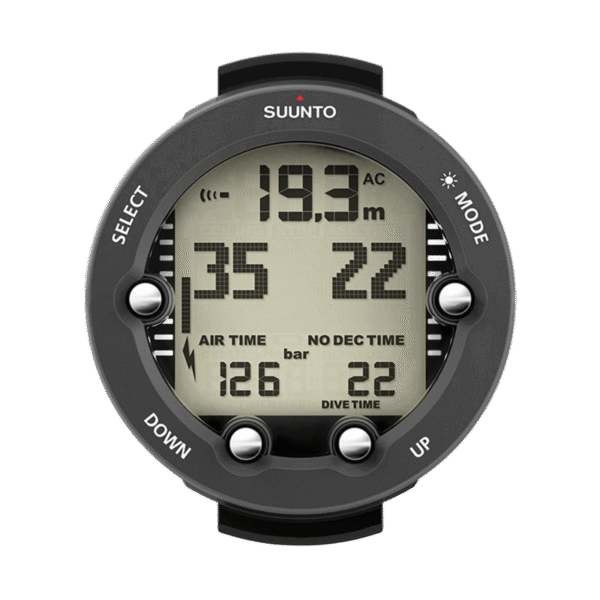


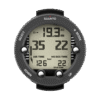
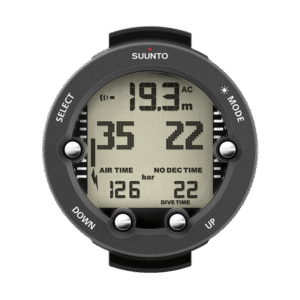
Suunto Vyper Novo
$359.00
Open full product pageMid-range recreational computer with air integration, compass, and multi-gas capability for growing divers.
00 -
 ×
×


Suunto Nautic S
$549.00
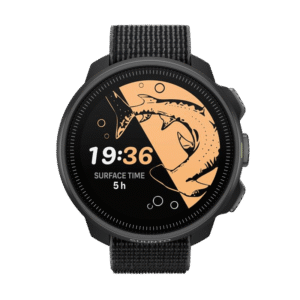
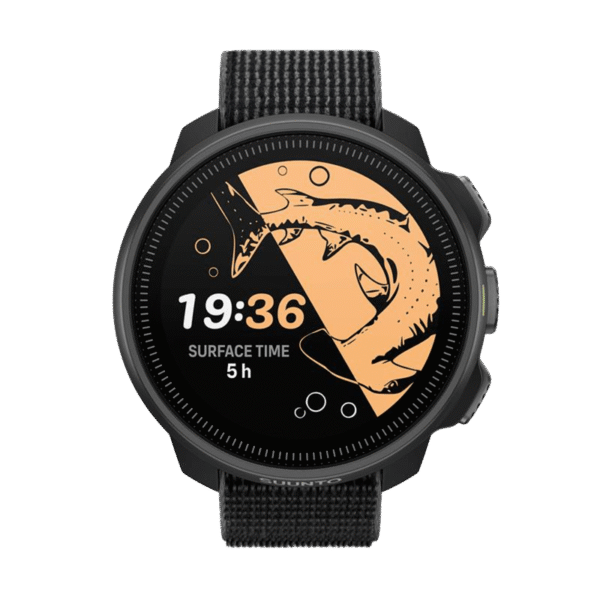
Compact technical dive computer with brilliant AMOLED display and exceptional value for dedicated divers.
Out of stock
Open full product page00 -
 ×
×


Suunto Nautic
$729.00
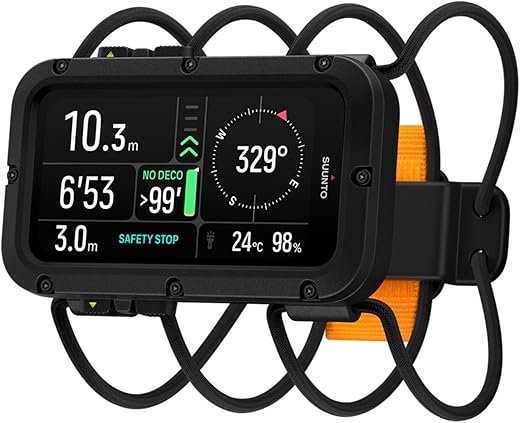
Open full product pageProfessional-grade technical dive computer with brilliant AMOLED display and exceptional battery life.
00
Latest Revies









Reviews
There are no reviews yet.