
0
0
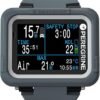
Shearwater Peregrine Wrist Computer
Best-in-class recreational dive computer with brilliant color screen and legendary Shearwater simplicity
Pros
Brilliant 2.2-inch color screen, Exceptional value for it's price range, Intuitive two-button interface
Cons
Limited battery life, No GPS or smartwatch features, No wireless air integration
Compare Prices


* We earn a small commission on your purchase without increasing the price.
Shearwater Peregrine Review: The Recreational Diver’s Favorite
Walk into any dive shop and ask about the Shearwater Peregrine, and you’ll probably hear some version of ‘everyone loves it.’ I’ve watched it become the default recommendation from dive instructors to students upgrading from basic computers. At $580, it delivers Shearwater’s legendary screen quality and interface simplicity in a package designed specifically for recreational divers. The Peregrine doesn’t try to be a smartwatch or compete with technical computers—it focuses on being the best recreational dive computer you can buy. What makes the Shearwater Peregrine dive computer so popular is straightforward: the brilliant 2.2-inch color screen, the intuitive two-button interface that everyone can figure out immediately, and Shearwater’s reputation for building computers that just work. For recreational divers who want a serious dive computer without paying for air integration or technical features they won’t use, the Peregrine hits the sweet spot.
What’s in the Box
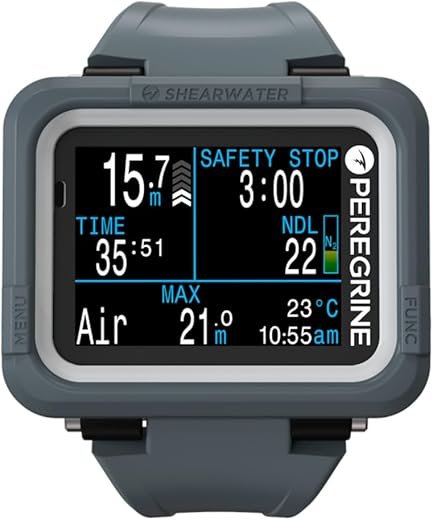
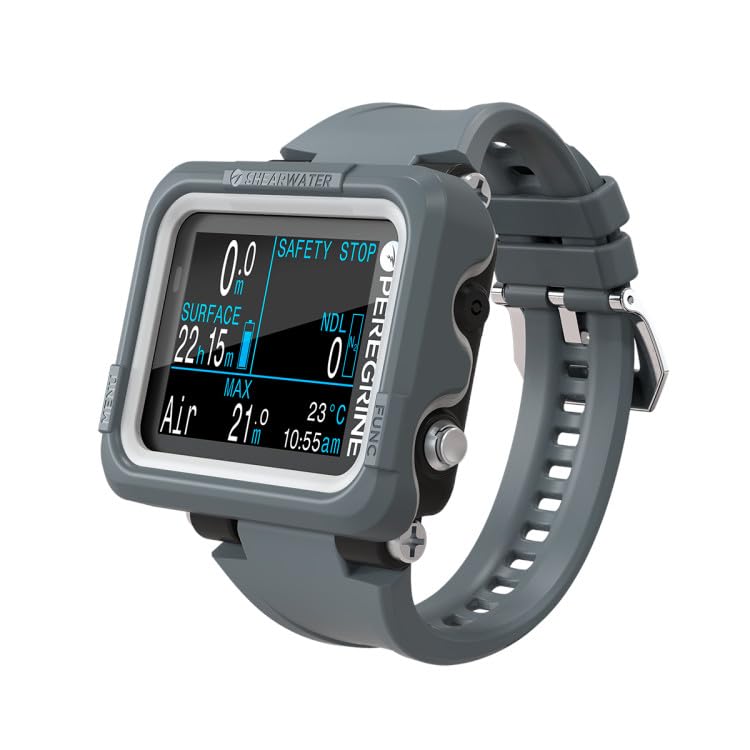
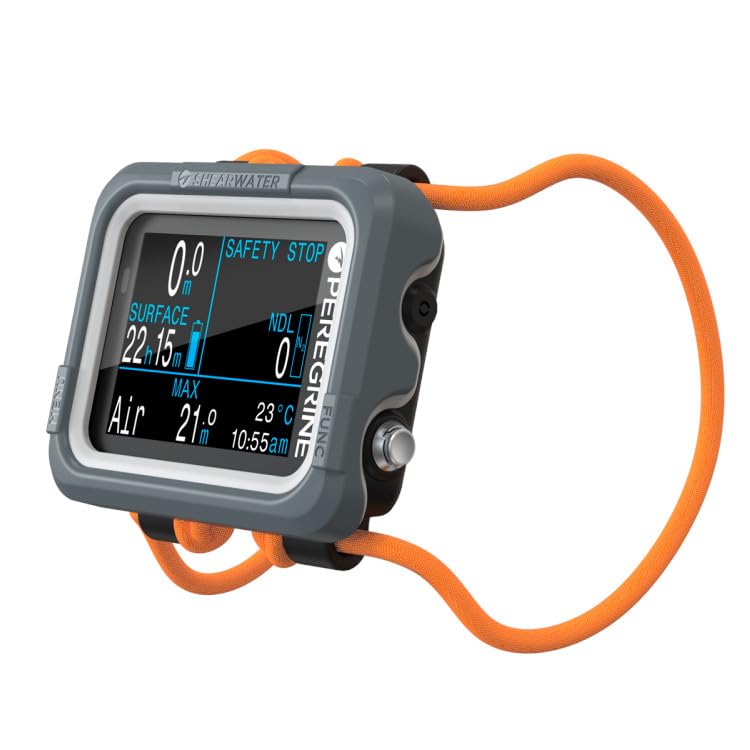
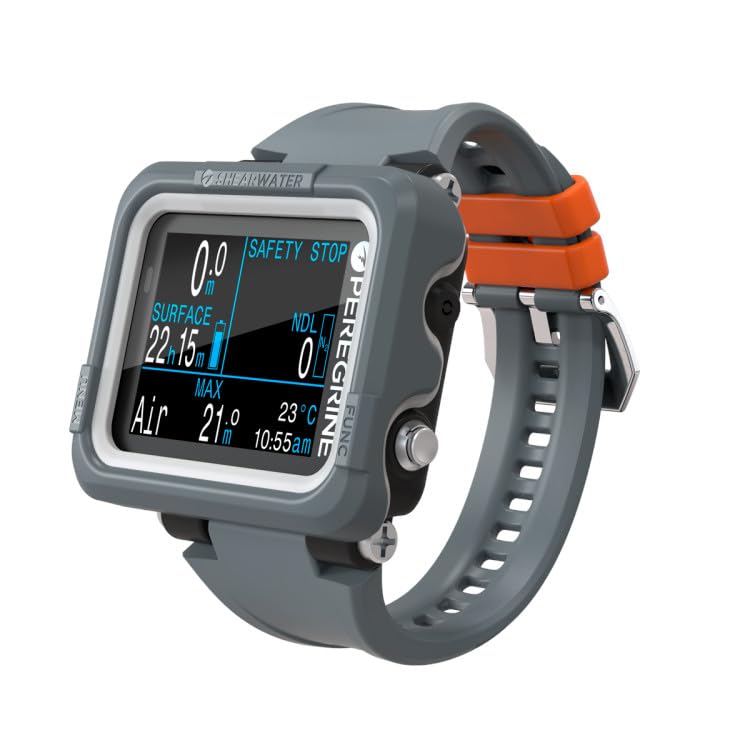
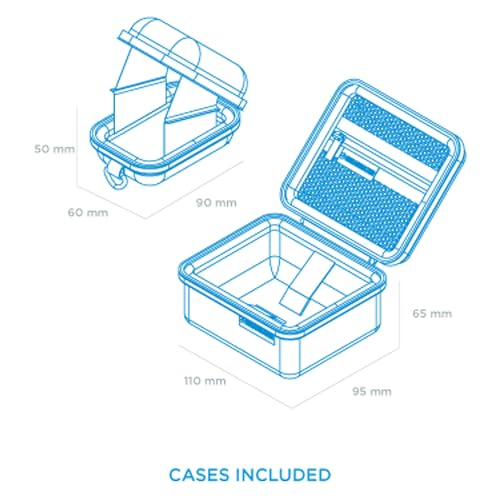
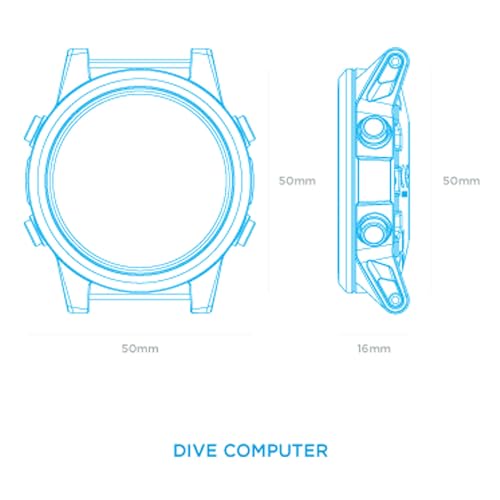
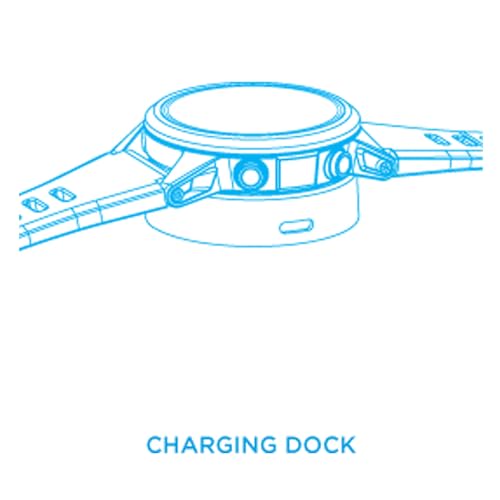
The Shearwater Peregrine comes with a silicone wrist strap, shock cord bungee option, USB wireless charging pad, and a zippered protective case. The computer weighs 122g and measures 77 x 68 x 25mm, making it compact and streamlined on your wrist. The 2.2-inch full-color LCD screen delivers 200 x 200 pixels behind a scratch-resistant face. Two stainless steel buttons handle all navigation. The rechargeable battery provides up to 30 hours on medium brightness. Shearwater rates the Peregrine to 120m (394 feet), exceeding what most recreational divers will ever need. The Adventures Edition versions come in different color schemes—dark and light options. The build quality feels robust, and the computer comes with Shearwater’s two-year warranty.
Diving With It
The Screen Everyone Talks About
The color screen is what sells the Peregrine. It’s bright, crisp, and readable in any condition—tropical sunlight, murky water, night dives. The enhanced color saturation makes different data stand out clearly. Many divers I know who upgraded from monochrome computers mention the screen as a revelation—you don’t realize how much easier colored displays are until you use one. The backlight brightness is adjustable, and even on medium setting it’s plenty bright for night diving. The display shows all your critical information on one screen—depth, dive time, NDL, temperature, and more. You can customize which data appears where, though most divers stick with the default layout because it works so well.
Two-Button Simplicity
The interface is genuinely intuitive. Two buttons—that’s it. Left button scrolls up, right button scrolls down and confirms selections. The bezel labels exactly what each button does in each menu. Common feedback from students is that they figured out how to use the Peregrine without reading the manual. This matters when you’re on a boat adjusting your nitrox percentage or checking surface interval time—you don’t want to fumble through complicated menus. The buttons are large enough to press with thick gloves, and the response is immediate. Shearwater took the proven interface from the Perdix and simplified it even further.
Dive Modes
The Peregrine offers four modes: Air, Nitrox (up to 40%), 3-Gas Nitrox (with gases up to 100% O2), and Gauge. The 3-Gas Nitrox mode lets you program three different gas mixes and switch between them, which supports entry-level technical diving and accelerated decompression. The Bühlmann ZHL-16C algorithm with gradient factors is the same proven system used by Shearwater’s technical computers. You can set conservatism to low, medium, or high, or customize gradient factors manually. The computer handles decompression diving without locking you out for missed stops—it just recalculates and tells you what to do. Many pros report using the Peregrine in gauge mode as a backup to their primary technical computer.
No Air Integration
The standard Peregrine does not support wireless air integration. You’ll need a separate pressure gauge. This is the main cost-saving measure that brings the price down to $580. In 2024, Shearwater released the Peregrine TX which adds air integration and a digital compass for around $1,000, but that’s a different computer. For many recreational divers, checking a pressure gauge isn’t a problem—it’s what they’ve always done. If air integration is essential, you’ll need to look at the Peregrine TX or other models. The lack of air integration keeps the Peregrine focused and affordable.
Battery Life
The rechargeable battery lasts up to 30 hours on medium brightness, which covers about 15-20 dives depending on dive time. The wireless charging pad makes charging simple—just set the computer on the pad. Battery degradation hasn’t been an issue for users even after several years of regular use. The battery drains minimally when stored, so you can leave it for months between dive trips and it’ll still have charge. For a week of diving, you’ll charge once or twice. Some divers mention they prefer user-replaceable batteries like the Perdix 2 offers, but the wireless charging convenience wins most people over.
Dive Logging
The Peregrine stores approximately 200 hours of dive data with detailed profiles. You can review dive graphs directly on the computer showing depth, temperature, and NDL changes throughout your dive. The Shearwater Cloud app connects via Bluetooth for automatic dive log syncing to your phone, tablet, and computer. The app interface is straightforward for firmware updates and basic log viewing, though many divers prefer third-party apps like Subsurface for more detailed dive log analysis. The cloud sync means your logs back up automatically without manual downloads.
Vibration Alerts
The vibration alerts are customizable for depth, dive time, and ascent rate. You can feel them clearly even with thick gloves or in high-current conditions where you might miss visual alerts. The alerts aren’t annoying or excessive—they’re just enough to get your attention. This feature is particularly useful for photographers who get absorbed in taking pictures and might miss visual warnings. Many instructors appreciate that students notice the vibration alerts more reliably than audible alarms on older computers.
Value Comparison
At $580, the Peregrine competes with the Garmin Descent G1 ($500) and sits below the Suunto EON Core ($699) and Garmin Mk3i ($1,400). Against the G1, the Peregrine offers a superior color screen, better dive-focused interface, and the legendary Shearwater reputation, but gives up GPS and smartwatch features. If you want one device for diving and daily wear, the G1 makes sense. If you want the best pure dive computer in this price range, the Peregrine wins. Against the EON Core at $699, the Peregrine delivers better screen quality and interface for less money. The EON Core offers air integration capability, but most divers choose the Peregrine for its proven reliability. The Mk3i at $1,400 adds air integration, GPS, and comprehensive smartwatch features, but costs more than double. The Peregrine makes sense for recreational divers who want excellent dive computer functionality without paying for features they won’t use. It’s the computer that technical divers buy for their recreational diving and recommend to everyone asking for advice.
Our Professional Opinion
The Shearwater Peregrine’s main strengths are the brilliant color screen, dead-simple two-button interface, and Shearwater’s reputation for quality and customer service. The 3-Gas Nitrox mode means you won’t outgrow it as your diving progresses. The 120m depth rating and decompression capability cover recreational and entry-level technical diving. The main limitations are no air integration in the standard version and no GPS or smartwatch features. It’s best for recreational divers who want the best screen and interface available, newer divers who want a computer that will grow with them, and technical divers who want a reliable backup or recreational computer. Skip it if you need air integration—get the Peregrine TX instead. Also look elsewhere if you want GPS or smartwatch functionality. The Peregrine succeeds by focusing entirely on being an exceptional dive computer without trying to be anything else.
Final Recommendation
Buy the Shearwater Peregrine if you’re a recreational diver who wants the best screen quality and easiest interface available at any price point. It’s an excellent choice for divers upgrading from basic computers who appreciate intuitive design and reliable performance. The 3-Gas Nitrox mode and 120m depth rating mean you can progress into decompression diving and light technical work without outgrowing your computer. Dive professionals appreciate the Peregrine’s bulletproof reliability and simple operation for teaching students. At $580, it delivers exceptional value—you’re getting Shearwater quality and reputation for half what their technical computers cost. Skip this computer if you need wireless air integration in your primary computer—the Peregrine TX at around $1,000 adds that feature. Also consider other options if you want one device for diving and everyday wear with GPS and fitness tracking—the Garmin G1 delivers that combination. The Peregrine succeeds because it does one thing brilliantly: being a recreational dive computer with Shearwater’s legendary screen quality, proven algorithm, and intuitive interface. It’s the computer that everyone loves, and for good reason.
| General Specifications | ||||||||||||||||||||||||
|---|---|---|---|---|---|---|---|---|---|---|---|---|---|---|---|---|---|---|---|---|---|---|---|---|
|
||||||||||||||||||||||||
| Computer Specifications | ||||||||||||||||||||||||
|
||||||||||||||||||||||||
| Additional features | ||||||||||||||||||||||||
|
||||||||||||||||||||||||
| Pros and Cons | ||||||||||||||||||||||||
|
||||||||||||||||||||||||
Related Products
-
 ×
×
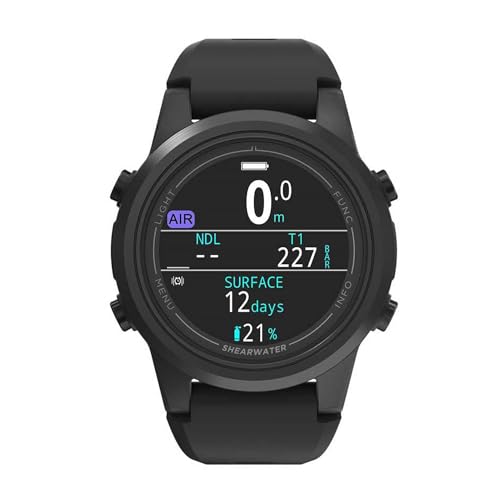
Shearwater Tern TX
$805.00
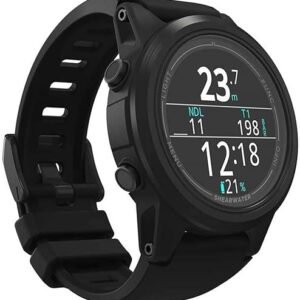
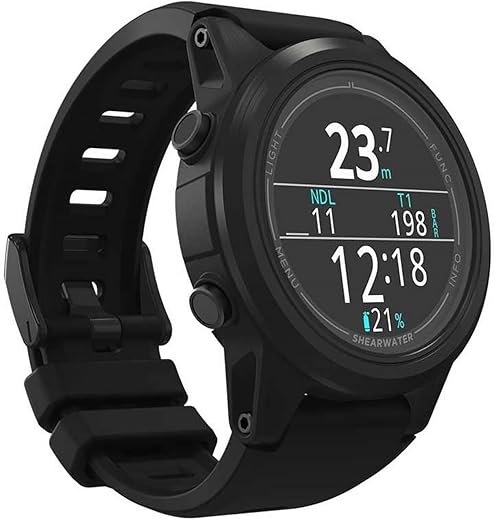
Open full product pageShearwater reliability meets watch-style convenience with brilliant AMOLED display and wireless air integration.
00 -
 ×
×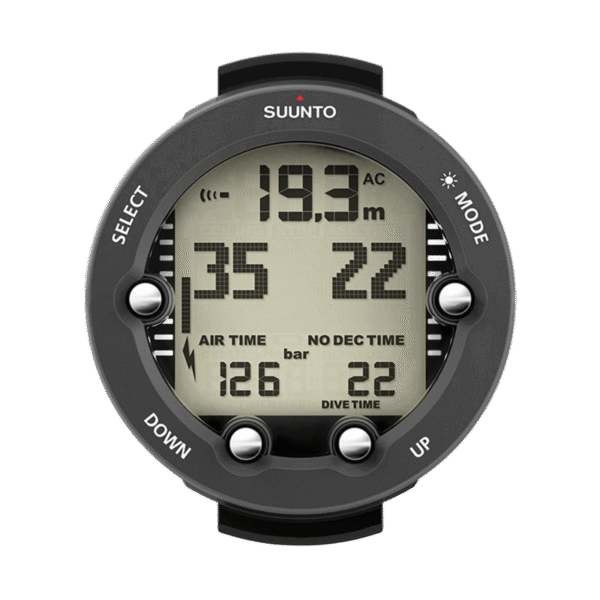


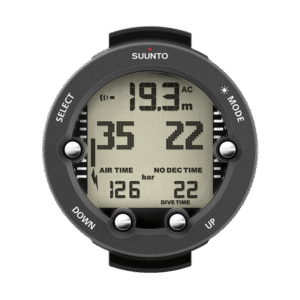
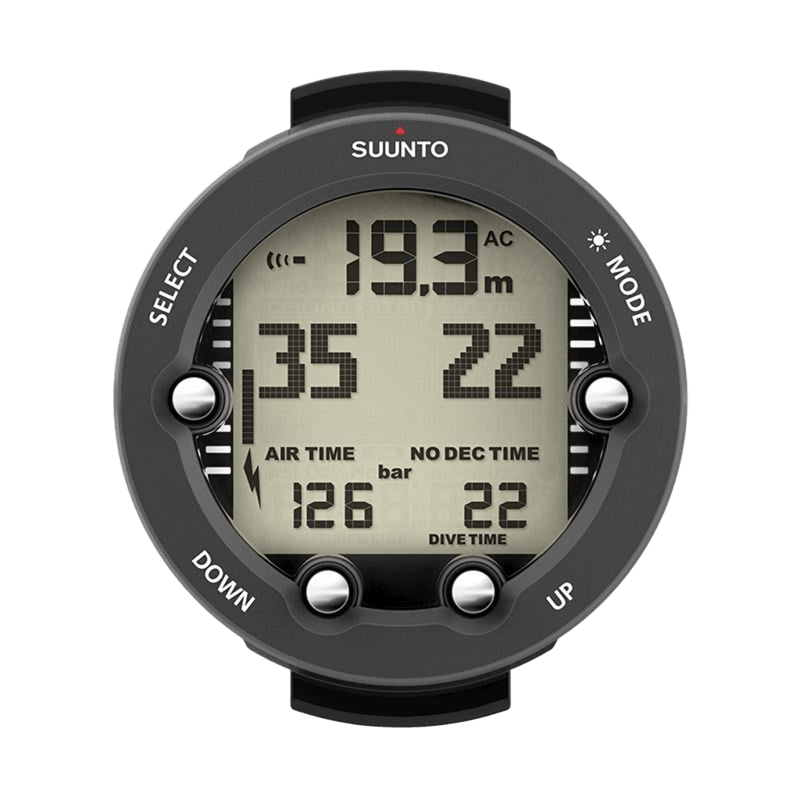
Suunto Vyper Novo
$359.00
Open full product pageMid-range recreational computer with air integration, compass, and multi-gas capability for growing divers.
00 -
 ×
×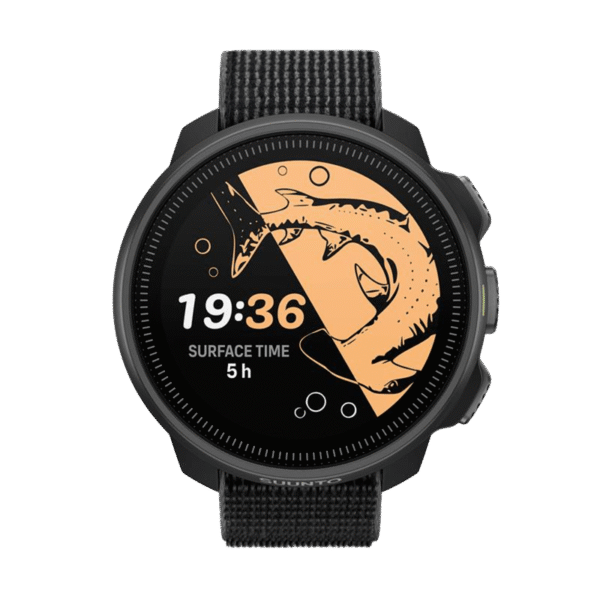


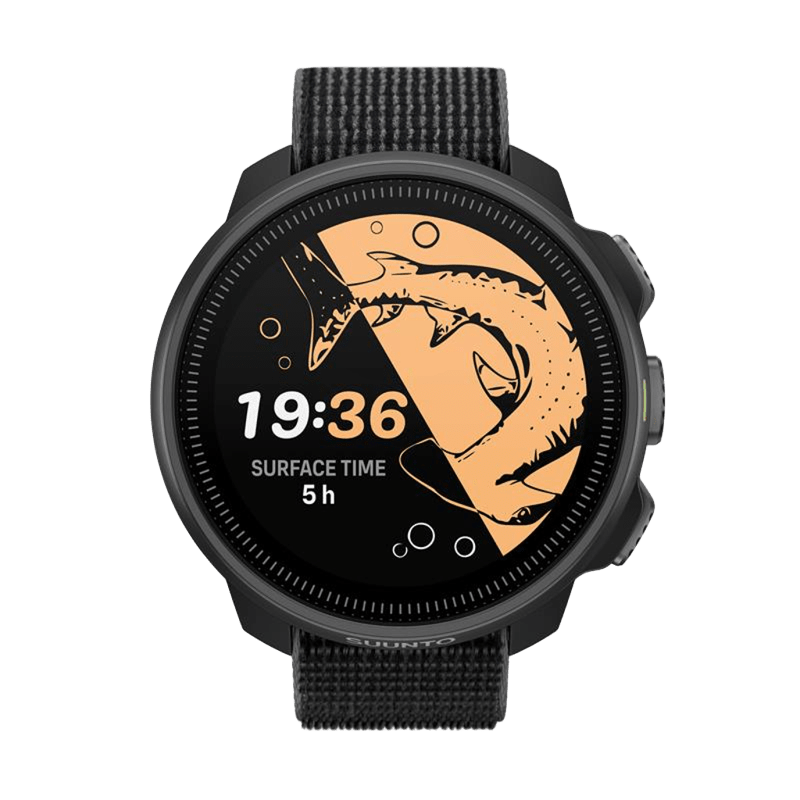
Suunto Nautic S
$549.00
Compact technical dive computer with brilliant AMOLED display and exceptional value for dedicated divers.
Out of stock
Open full product page00 -
 ×
×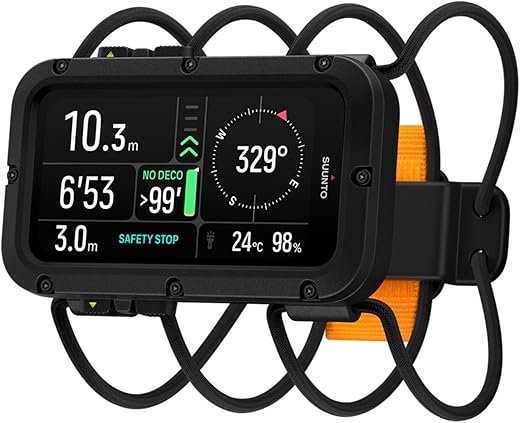


Suunto Nautic
$729.00
Open full product pageProfessional-grade technical dive computer with brilliant AMOLED display and exceptional battery life.
00
Latest Revies









Reviews
There are no reviews yet.