
Compare Prices



* We earn a small commission on your purchase without increasing the price.
Suunto Zoop Novo: A reliable entry-level dive computer
When you are diving in Asia and renting a dive computer, you will probably use the Suunto Zoop. It’s the dive computer of choice for many dive centers, and for good reason. The Suunto Zoop is a reliable, rugged dive computer for a limited budget. It offers all the basic functions divers need. It’s a solid entry-level choice that just works.
What You’re Getting
The Zoop Novo is a wrist-mounted computer. However, Suunto also offers a console mounted version, including a pressure gauge – Suunto Zoop Novo 2 Gauge Console.
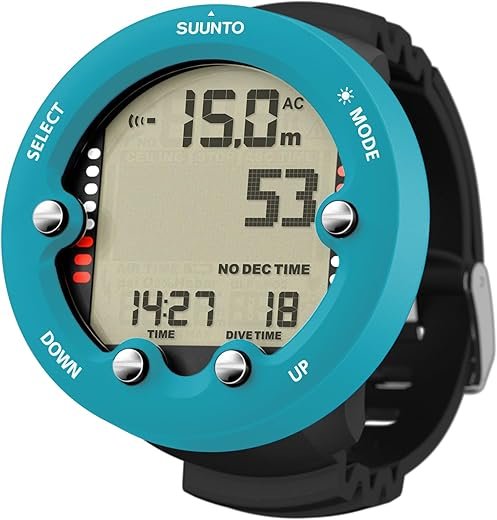
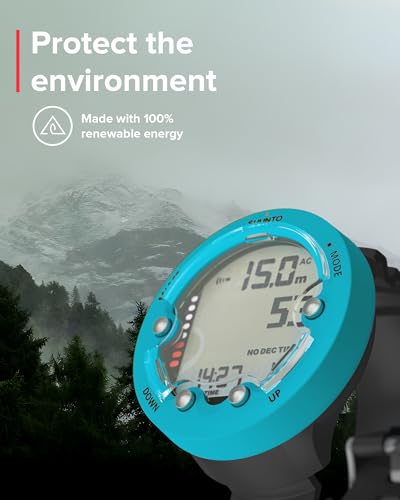
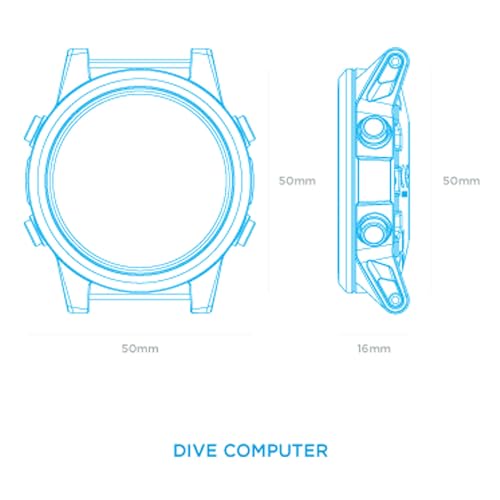
It has a composite (Polycarbonate reinforced) housing with a 4cm display diameter. The whole unit measures 6.6 cm across and weighs 120 grams. It has four buttons for navigation. The screen is acrylic with a protective bezel.
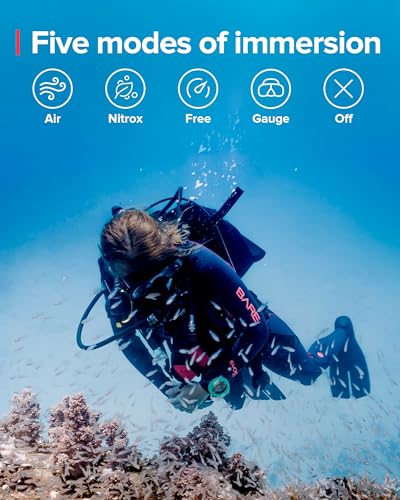
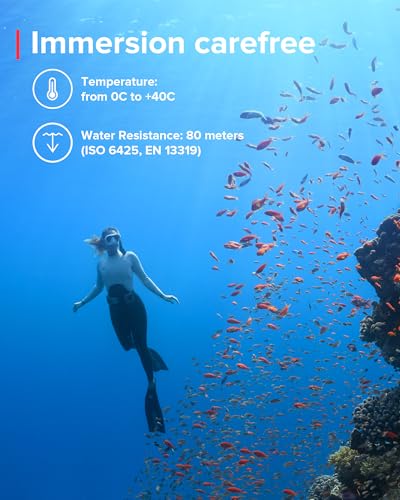
Price sits around $299 USD. It comes with five dive modes: Air, Nitrox (21-50%), Gauge, Free, and Off. Maximum depth rating is 80 meters. The computer uses Suunto’s RGBM algorithm. This is a recreational computer for beginners through intermediate divers. No air integration, no digital compass.
Suunto Zoop vs Suunto Zoop Novo
When you are getting a Suunto Zoop from your dive center, there is still a good chance that you’ll get a Suunto Zoop (original). This version is still available in some shops and you can easily pick up a used one for those of you who are shopping for a second-hand computer.
Here are the differences:
Original Zoop:
- 3 buttons
- Smaller 7-segment display
- 68 grams weight
- 36 hours logbook memory
- Only 2 dive modes (Air, Nitrox)
- No backlight (phosphorescent only)
- No gauge mode, no freediving mode
Zoop Novo (the upgrade):
- 4 buttons (easier navigation)
- Larger dot-matrix display (4cm/1.33″)
- 120 grams weight (more robust)
- 140 hours logbook memory
- 5 dive modes (Air, Nitrox, Gauge, Free, Off)
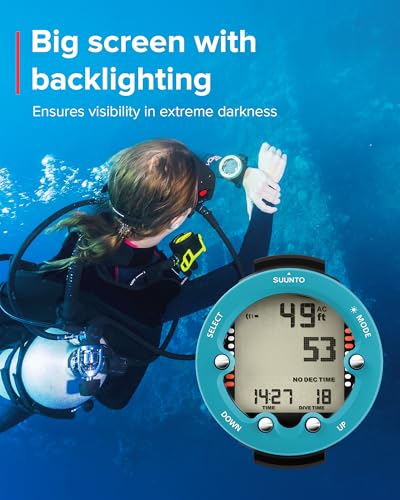
- Adjustable backlight + phosphorescent
- Slightly larger diameter, slimmer profile
- Updated algorithm with deep stop capability
Real-World Use
I own a Suunto D4, but I regularly use the Suunto Zoop Novo because it is part of the rental gear of most dive centers I work with. The big display is the best thing about it. At my age, my eyesight is getting a bit less, and the small D4 display can be a bit hard to read.
One thing dive instructors consistently mention is the conservative algorithm. Suunto’s RGBM is notoriously cautious, which works well for student divers but can be annoying if your buddy is diving with a different (less conservative) brand. You can adjust it to be even more conservative, though you can’t make it less conservative. For experienced divers, this can be limiting. On a liveaboard trip, diving a few days in a row, the Zoop Novo can call your dive 15-20 minutes before other computers.
The four-button layout is straightforward. Mode, Select, Up, Down. Navigation is simple once you figure it out. That said, the buttons are stiff. After about 80 dives, they loosened up, but initially I had to press hard enough that my thumb hurt. Gloves make this worse.
The phosphorescent display works well for night dives. Hit it with your torch, and it glows for three or four minutes. The Suunto Zoop Novo also features an adjustable backlight.
Modes
Nitrox:
The Zoop Novo handles nitrox from 21% to 50% oxygen, which covers most recreational enriched air diving. Setting your mix is straightforward through the menu system. You can also change the PO2 (oxygen partial pressure) on the Suunto Zoop (original) and Zoop Novo; however, I recommend leaving it on 1.4 bar.
The computer displays your oxygen exposure with both CNS% and OTU tracking (OTU measures pulmonary oxygen toxicity, a risk from breathing oxygen at high partial pressures (PO2) over time). It provides both audible and visual alarms when you are close to your limits.
I use nitrox mode regularly with my students, and the interface makes it easy to explain oxygen toxicity concepts.
Gauge:
The gauge mode is useful if you’re planning your own profiles or doing technical training. It turns the computer into a bottom timer and depth gauge without any decompression calculations. One thing to note: once you switch to gauge mode for a dive, the computer locks you out of algorithm mode for 48 hours. This prevents you from accidentally switching back mid-trip and getting bad decompression data.
Logbook and Memory
The logbook holds 140 hours of dive profile data, which translates to roughly 140-200 dives depending on your average dive time. That’s plenty for most recreational divers. The computer samples depth and other data every 20 seconds during the dive. Surface interval times, max depth, average depth, and lowest temperature all get recorded automatically. You can even show a detailed graph of your dive profile. The 140-hour capacity is a huge upgrade from the original Zoop’s 36 hours—on a two-week holiday, you won’t run out of memory.
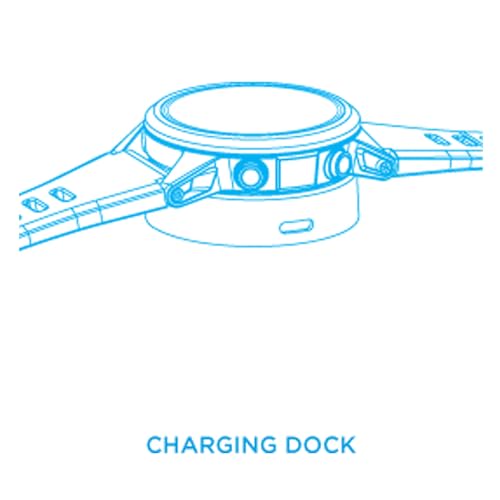
For a more detailed analysis and permanent storage, you can transfer your dive logs to the Suunto DM5 software using an optional USB interface cable. The DM5 software is free and works well enough for basic logbook management.
You need to buy the USB cable separately for downloads. No Bluetooth on this model.
Battery
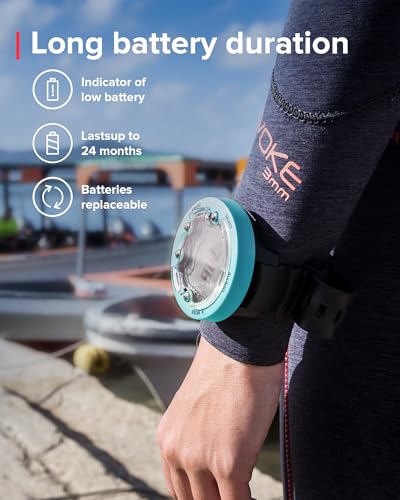
The Suunto Zoop uses a standard CR2450 battery. Recreational divers should be able to get 2 years out of the battery before it needs to be replaced. You can change it yourself, but I recommend taking it to a Suunto dealer.
Suunto service
I have been a Suunto user since the start of my diving career. One thing I should mention is the reliability of Suunto’s service network. Suunto has an extensive dealer network globally, and the experience with my local dealer has been nothing but positive. Suunto offers international warranty coverage. Basically, you can take your Suunto to any local dealer, which is convenient for traveling divers.
How It Compares
The main competitor of the Suunto Zoop Novo is the Cressi Leonardo, which runs about $50-70 cheaper. The Leonardo has one button versus four on the Zoop Novo, making menu navigation tedious. Both use conservative RGBM algorithms, though Cressi’s is slightly more liberal. I’d take the Zoop Novo’s four buttons over the price savings.
The Mares Puck Pro sits in a similar price range and has a reputation for being less conservative. If you’re doing multiple dives per day and want more bottom time, that’s worth considering. However, the Zoop Novo’s display is significantly larger and easier to read.
For about $100 more, you can get the Suunto D5, which is watch-sized. The Zoop Novo is too bulky to be an everyday watch.
Price-to-performance, the Zoop Novo delivers great value for under $300.
Our Professional Opinion
The Zoop Novo has two main strengths: that massive, easy-to-read display and straightforward operation. For dive instructors and divemasters at the start of their career, I recommend this computer regularly. It gives them all the information they need without breaking the bank.
The conservative algorithm is both a pro and a con. Great for safety, especially for newer divers. But if you’re progressing toward technical diving or making longer liveaboard trips, you’ll outgrow this quickly.
This computer works best for people doing their first 50-100 dives. It’s also a great option for recreational divers doing occasional dive trips.
Final Recommendation
Buy the Zoop Novo if you’re a beginner or intermediate recreational diver who wants a reliable, easy-to-read computer without spending $500+. It’s perfect for someone doing 10-30 dives per year on vacation trips or local weekend diving. The large display makes it especially good for divers who struggle with vision underwater or anyone diving in murky conditions.
Skip it if you’re planning to progress into technical diving soon, or if you want a computer you can wear as a daily watch. Also, skip it if you regularly dive with buddies who use more liberal computers and want maximum bottom time.
For entry-level to mid-level recreational divers, the Zoop Novo is one of the better values in the market. It won’t blow you away with fancy features, but it’ll keep you safe and give you clear information when you need it.
The fact that dive centers worldwide keep these as rental computers tells you everything you need to know – it’s a solid choice that you won’t regret.
| General Specifications | ||||||||||||||||||||||||||||||
|---|---|---|---|---|---|---|---|---|---|---|---|---|---|---|---|---|---|---|---|---|---|---|---|---|---|---|---|---|---|---|
|
||||||||||||||||||||||||||||||
| Computer Specifications | ||||||||||||||||||||||||||||||
|
||||||||||||||||||||||||||||||
| Pros and Cons | ||||||||||||||||||||||||||||||
|
||||||||||||||||||||||||||||||
Related Products
-
 ×
×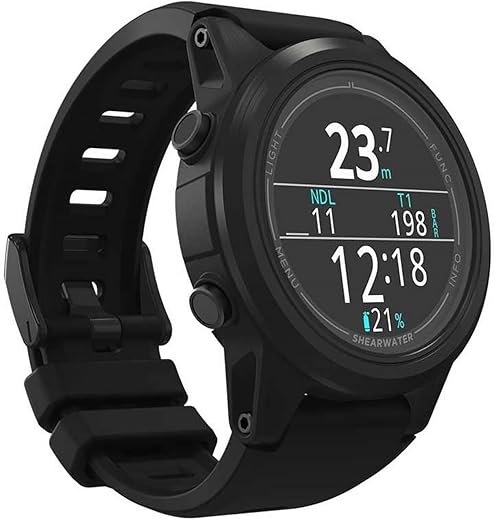
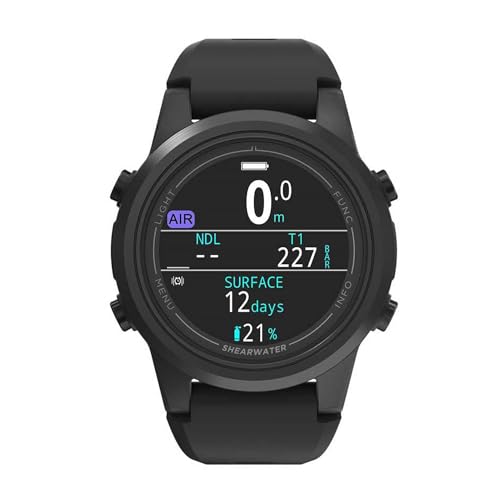
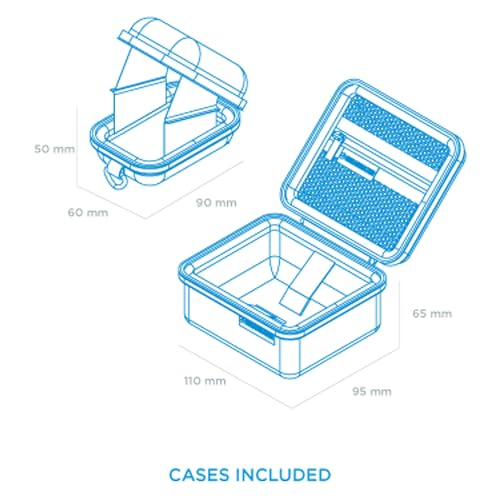
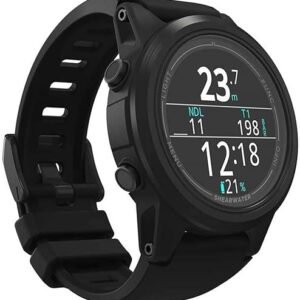
Shearwater Tern TX
$805.00
Open full product pageShearwater reliability meets watch-style convenience with brilliant AMOLED display and wireless air integration.
00 -
 ×
×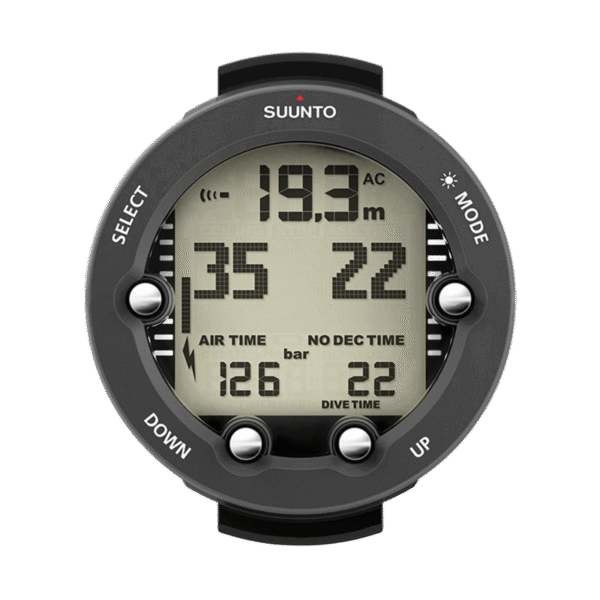


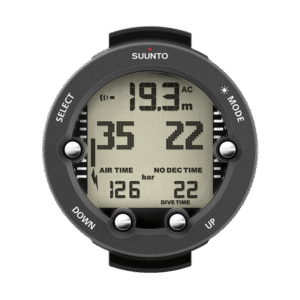
Suunto Vyper Novo
$359.00
Open full product pageMid-range recreational computer with air integration, compass, and multi-gas capability for growing divers.
00 -
 ×
×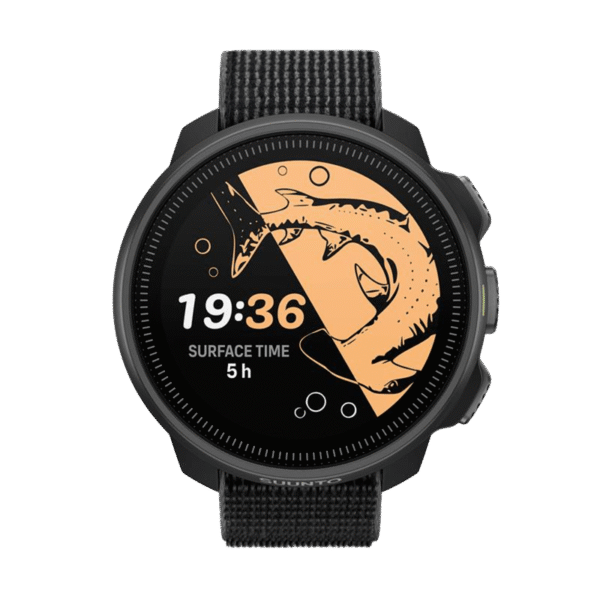


Suunto Nautic S
$549.00
Compact technical dive computer with brilliant AMOLED display and exceptional value for dedicated divers.
Out of stock
Open full product page00 -
 ×
×


Suunto Nautic
$729.00
Open full product pageProfessional-grade technical dive computer with brilliant AMOLED display and exceptional battery life.
00
Latest Revies







Reviews
There are no reviews yet.